OpenShorts Alternative: AutoReels vs OpenShorts Compared (2026)
Looking for an OpenShorts alternative?
OpenShorts is a popular open-source tool that cuts long videos, like podcasts, webinars and interviews, into vertical clips. It's excellent at that job. But it needs a long video to start from. If you run a faceless channel and have no footage, there's nothing for OpenShorts to clip.
AutoReels starts from a topic instead. AI writes the script, creates the visuals and voiceover, and posts the finished video to TikTok, YouTube, Instagram and Facebook on a schedule.
Disclosure: this comparison is published by AutoReels. We describe OpenShorts from its GitHub page and public articles, linked at the end.
Quick verdict
- Pick OpenShorts if you already record long videos and want clips from them, especially if you're comfortable self-hosting with Docker.
- Pick AutoReels if you want original faceless videos made from scratch with no footage, no servers and no API keys.
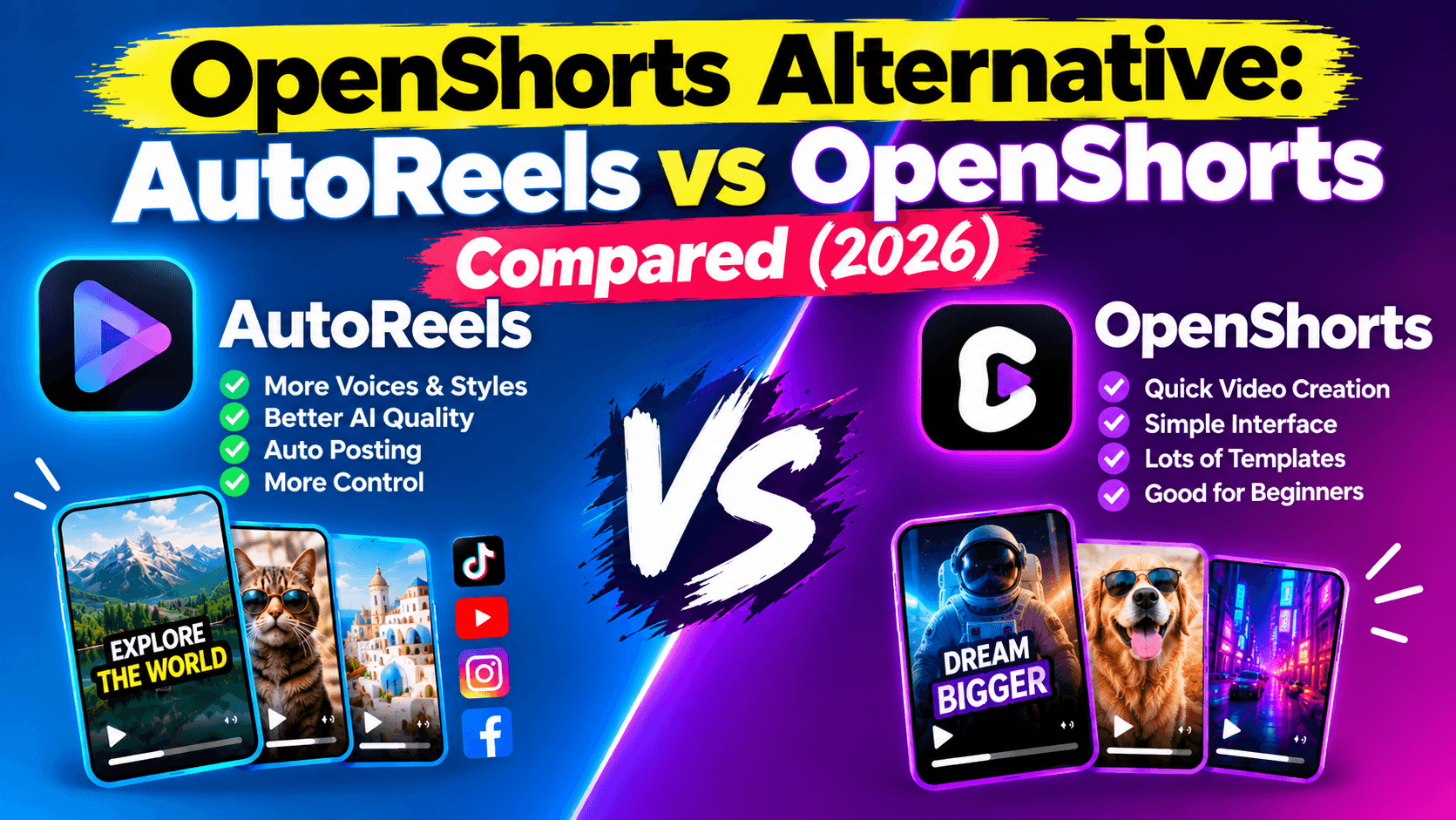
- On price, both start around $12 a month. OpenShorts Cloud's $12 plan covers 100 minutes of source video. AutoReels' $12 (billed yearly) covers 3 finished, posted videos a week.
OpenShorts vs AutoReels at a glance
OpenShorts is a clipper for existing footage. AutoReels is a creator that makes videos from nothing.
Feature | OpenShorts | AutoReels |
|---|---|---|
What you start with | A long video or YouTube link | A topic or series idea |
What it makes | 3–15 clips of 15–60 seconds from your footage | A new original video with an AI script, AI art and voiceover |
Faceless-friendly | Only if your source video is | Yes, built for faceless channels |
Auto-posting | TikTok, Reels, YouTube Shorts (self-hosted needs an Upload-Post account) | TikTok, Instagram, YouTube and Facebook, plus email |
Setup | Self-host with Docker and 8 GB+ RAM, or use OpenShorts Cloud | Sign up in the browser |
API keys | Self-hosted: your own Gemini, ElevenLabs (voice) and fal.ai (AI video) | None; everything is included |
Developer tools | MCP server, REST API, CLI, webhooks | No |
Voice | Dubbing in 30+ languages (ElevenLabs) | AI voiceover included |
License | Open source (MIT) | Commercial SaaS |
OpenShorts details come from its GitHub page and The Menon Lab's review (3 Oct 2026).
The real cost of OpenShorts vs AutoReels
"Free" OpenShorts costs time and API fees. OpenShorts Cloud and AutoReels both start around $12 a month, but they sell different things: minutes of clipping vs finished, posted videos.
Option | Price | What you get |
|---|---|---|
OpenShorts self-hosted | $0 software + your API usage | Unlimited clipping on your own server; you pay Gemini, ElevenLabs and fal.ai per use |
OpenShorts Cloud free | $0 | 20 minutes of source video a month, watermarked |
OpenShorts Cloud paid | From $12/month | 100 minutes of source video a month, no watermark |
AutoReels Starter | $144/year ($12/month) | 3 original videos a week, auto-posted to 4 platforms |
AutoReels Daily | $276/year ($23/month) | 1 video a day, about $0.76 per video |
AutoReels Hardcore | $492/year ($41/month) | 2 videos a day |
OpenShorts prices are from its GitHub page, October 2026.
The hidden cost is footage. OpenShorts' 100 minutes only help if you have 100 minutes of video worth clipping. A faceless creator would first have to make that long video, which is the hard part AutoReels does for you.
When OpenShorts fits, and when AutoReels is the better choice
The deciding question: do you already have long videos?
OpenShorts fits if you:
- Host a podcast, stream or run webinars and want clips from them
- Are a developer who wants to self-host, plug clipping into AI agents, or avoid monthly fees
- Need dubbing into many languages
AutoReels fits if you:
- Run a faceless channel and have no footage to clip
- Want new videos every day without recording, editing or managing servers
- Want one consistent series (scary stories, history, facts, motivation) with its own AI art style
- Post to Facebook as well as TikTok, Instagram and YouTube
Many creators use both: OpenShorts for clips of their podcast, AutoReels for a separate faceless channel.
How to start with AutoReels
- Pick a series topic. Choose one niche you can post in for months.
- Connect your accounts. Link TikTok, YouTube, Instagram and Facebook once.
- Choose a voice and an art style. Preview a video before it goes live.
- Set the schedule. Starter posts 3 times a week, Daily once a day, Hardcore twice a day.
FAQ
What is OpenShorts?
OpenShorts is an open-source AI tool that turns long videos into vertical 9:16 clips. It finds 3 to 15 strong moments, crops to the speaker's face, adds subtitles and can post the clips to TikTok, Reels and YouTube Shorts.
Is OpenShorts free?
The self-hosted version is free and MIT-licensed, but you pay for your own Gemini, ElevenLabs and fal.ai usage and run it on a server with 8 GB+ RAM. OpenShorts Cloud has a free tier of 20 minutes a month with a watermark, and paid plans from $12 a month.
Can OpenShorts make faceless videos?
Only from footage you already have. OpenShorts clips existing videos. It doesn't write a script and build a new faceless video from a topic, which is what AutoReels does.
What is the best OpenShorts alternative for faceless channels?
AutoReels. You pick a topic once, and it writes, makes and posts a new video to TikTok, YouTube, Instagram and Facebook on schedule, from $144 a year.
Do I need to code to use AutoReels?
No. AutoReels runs in your browser with no Docker, servers or API keys.
The bottom line
OpenShorts is one of the best free tools for clipping long videos you already have. If you don't have footage and want a faceless channel that posts itself, it's the wrong starting point. AutoReels makes original videos from a topic and posts them to four platforms, from $12 a month on yearly billing, with nothing to install.
Related: AutoShorts review and alternative · Creashort AI alternative · SmartShort alternative
OpenShorts is a project of its respective owners. AutoReels is not affiliated with OpenShorts. Details are based on public sources as of October 2026 and may change.