AI Reels Generator: Turn Any Idea into a Reel in Minutes
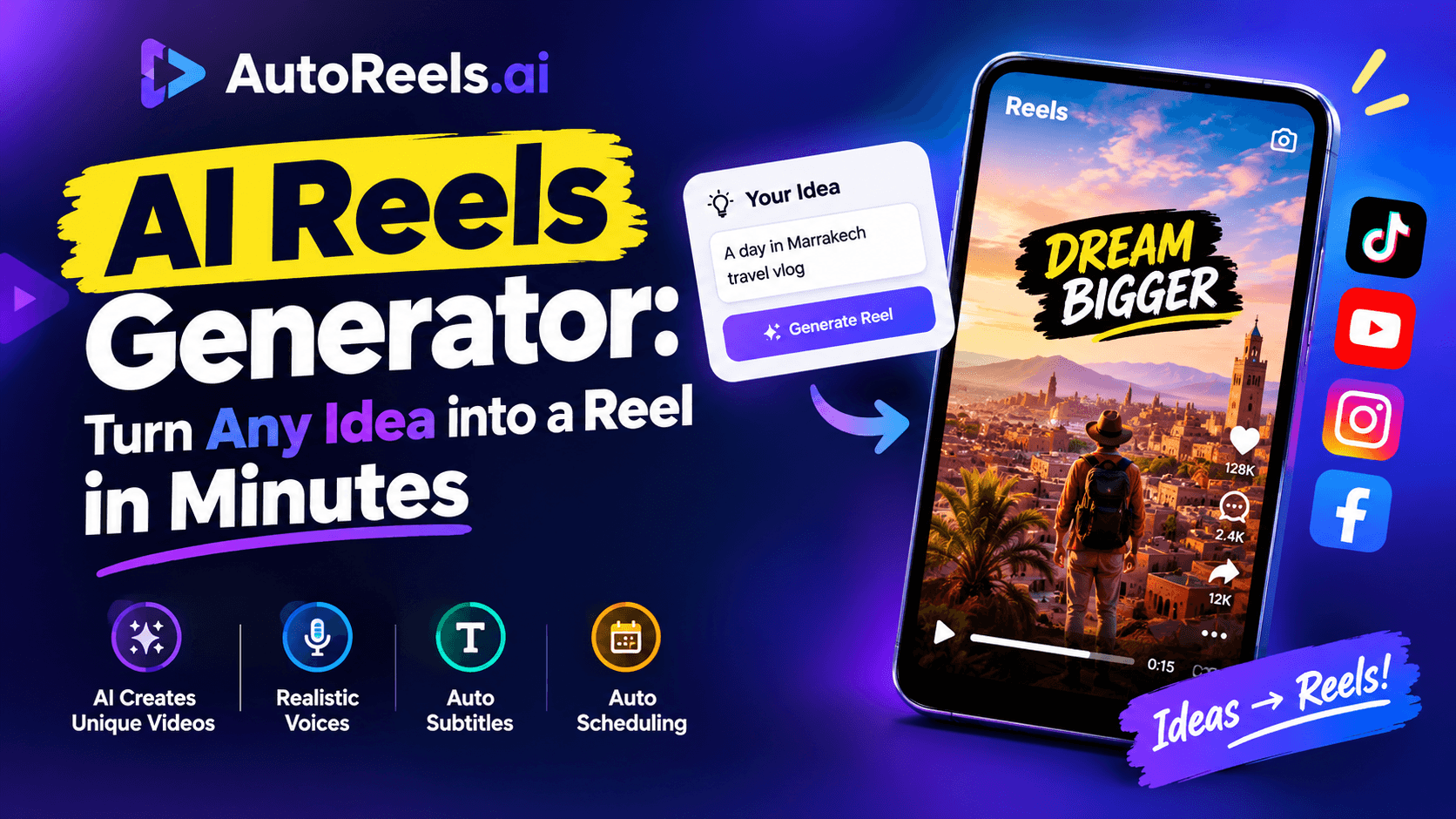
Short answer: an AI reels generator turns a single idea or prompt into a finished short video. It writes the script, creates the visuals, adds a voiceover, captions and music, and exports the reel in vertical format for Instagram, TikTok and YouTube Shorts. The best AI reels tools also post the videos for you on a schedule.
Making reels used to mean filming, editing and searching for stock footage for every video. With AI reels, the whole process takes a few minutes, and you don't need a camera, editing skills or a face on screen.
In this guide, you'll see how an AI reels generator works, how to create your first reel step by step, prompt examples that produce good videos, the features worth paying for, and tips to make your AI reels actually perform.
How an AI reels generator works
Behind the scenes, an AI reels generator chains several AI models together. Here's what happens between your prompt and a posted reel:
- Script. A language model writes a short script from your idea, usually 30 to 60 seconds of narration with a hook, body and ending.
- Scenes. The script is split into scenes, and an image model generates a visual for each one in the art style you chose.
- Voice. A text-to-speech model reads the script with the narrator voice and language you selected.
- Captions. The narration is transcribed and synced as on-screen subtitles, word by word.
- Edit. Visuals, voice, captions and background music are assembled with motion and transitions, then exported in 9:16 vertical format.
- Publish. The finished reel is downloaded, emailed, or posted automatically to your connected accounts.
You control the inputs (topic, style, voice, music, length) and the AI handles the production.
How to create AI reels step by step
Here's how to make your first reel with AutoReels. It takes about five minutes.
Step 1: Start a new series
A series is a reusable template for your reels. Instead of setting everything up for each video, you define it once and every new reel follows the same settings.
Step 2: Choose your topic or write a prompt
Pick a ready-made prompt or write your own. Be specific: "strange facts about the ocean" gives much better reels than "facts". (See prompt examples in the next section.)
Step 3: Pick a narrator voice and language
Choose a voice that suits the mood of your content. AutoReels offers narration in 14 languages and accents, so you can create AI reels for audiences in different countries.
Step 4: Select an art style
Choose from 12+ styles, such as anime, comic book or cinematic. Keep the same style across your series so viewers recognize your account.
Step 5: Add background music and set the length
Pick a track that fits the tone and choose a length. Between 30 and 60 seconds is a good starting point for Reels, TikTok and Shorts.
Step 6: Preview and edit
Your upcoming reels appear on a calendar. Open any of them to edit the script, change the music, adjust the title and description, or move the publish date.
Step 7: Publish or schedule
Connect TikTok, YouTube, Instagram or Facebook and let new reels post automatically, or get them by email and post manually. Choose 3 a week, one a day or two a day depending on your plan.
AI reels prompt examples
The prompt is the biggest factor in reel quality. Good prompts name the audience, the angle, the length and the structure. Copy and adapt these:
Niche | Prompt |
|---|---|
History facts | "Write a 45-second reel about a little-known historical event. Open with the most surprising fact, explain it in three short beats, end with a question for viewers." |
Motivation | "Write a 40-second motivational story about a famous person's biggest failure before success. Calm, sincere tone. End with one practical lesson." |
Science | "Explain one mind-blowing space fact in 45 seconds for a general audience. Start with 'Imagine…', use one simple comparison, no jargon." |
Scary stories | "Write a 50-second first-person scary story with a twist ending that changes the meaning of the first line. No gore." |
Business tips | "Write a 40-second reel giving one practical tip for small business owners about social media. Start with a common mistake." |
Travel | "Describe one underrated travel destination in 45 seconds. Open with what makes it unique, give two things to do, end with the best time to visit." |
A few rules make any prompt better: set a length in seconds, ask for a hook in the first line, give a clear ending, and say what to avoid.
Features to look for in an AI reels generator
Not every AI reels tool does the full job. Before choosing one, check for these:
- Full pipeline in one place. Script, visuals, voice, captions and music together. Stitching five apps together wastes the time AI is supposed to save.
- Editable scripts. You should be able to read and change every script before it's published.
- Consistent styles. A fixed art style and narrator across a series makes your account recognizable.
- Auto-posting. Direct publishing to the platforms you use, so daily posting doesn't depend on you remembering.
- A preview calendar. See what's coming and adjust titles, music or dates before videos go live.
- HD and no watermark. Watermarks and low resolution can hurt reach and look unprofessional.
- Multiple languages. Useful if you want to reach audiences beyond English.
- Clear ownership. Make sure you own the videos you create and can use them commercially.
AutoReels includes all of these on its paid plans, which start at $12/month billed yearly.
Tips to make your AI reels perform
- Win the first two seconds. Open with the most surprising line of the script. If the hook is weak, nothing else matters.
- Stay in one niche. Algorithms learn who to show your reels to when every video serves the same audience.
- Post consistently. One reel a day for 60 days beats ten reels in a weekend followed by silence.
- Make every video different. Platforms limit reach for repetitive, mass-produced content. Same style and voice is good; same story is not.
- Review scripts for accuracy. A quick read catches factual mistakes before your audience does.
- Write titles and captions that tease. Ask a question rather than giving away the ending.
- Check your numbers weekly. Watch time and follows per video tell you which topics to repeat and which to drop.
Frequently asked questions
What is the best AI reels generator?
The best one handles the whole process (script, visuals, voice, captions, music and posting) and lets you edit before publishing. AutoReels does all of this and auto-posts to TikTok, YouTube, Instagram and Facebook. For a wider comparison, see our list of the best faceless reels apps.
Can AI make Instagram Reels automatically?
Yes. An AI reels generator creates the video from your prompt, and tools with auto-posting publish it to Instagram on a schedule.
Is there a free AI reels generator?
Some tools offer a free test video or free credits. AutoReels' free plan creates one test video so you can check the quality before choosing a paid plan.
How long does it take to make a reel with AI?
Usually a few minutes. Once a series is set up, new reels are generated and scheduled without any extra work from you.
Do I need editing skills?
No. The AI handles editing, captions and formatting. Your job is choosing good topics and reviewing scripts.
Can I use AI reels for my business?
Yes. Many businesses use AI reels for tips, facts and stories in their industry. See our guide to AI automation for reels.
Create your first AI reel today
An AI reels generator removes the hardest parts of short-form video: filming, editing and finding time to post. Give it a clear topic and a good prompt, keep your style consistent, and post every day.
AutoReels turns one idea into a series of finished reels and posts them to TikTok, YouTube, Instagram and Facebook on autopilot, with a calendar to review every video first. Plans start at $12/month billed yearly.
Keep learning: how to make faceless reels with AI · how to automate reels with AI · faceless reels pricing