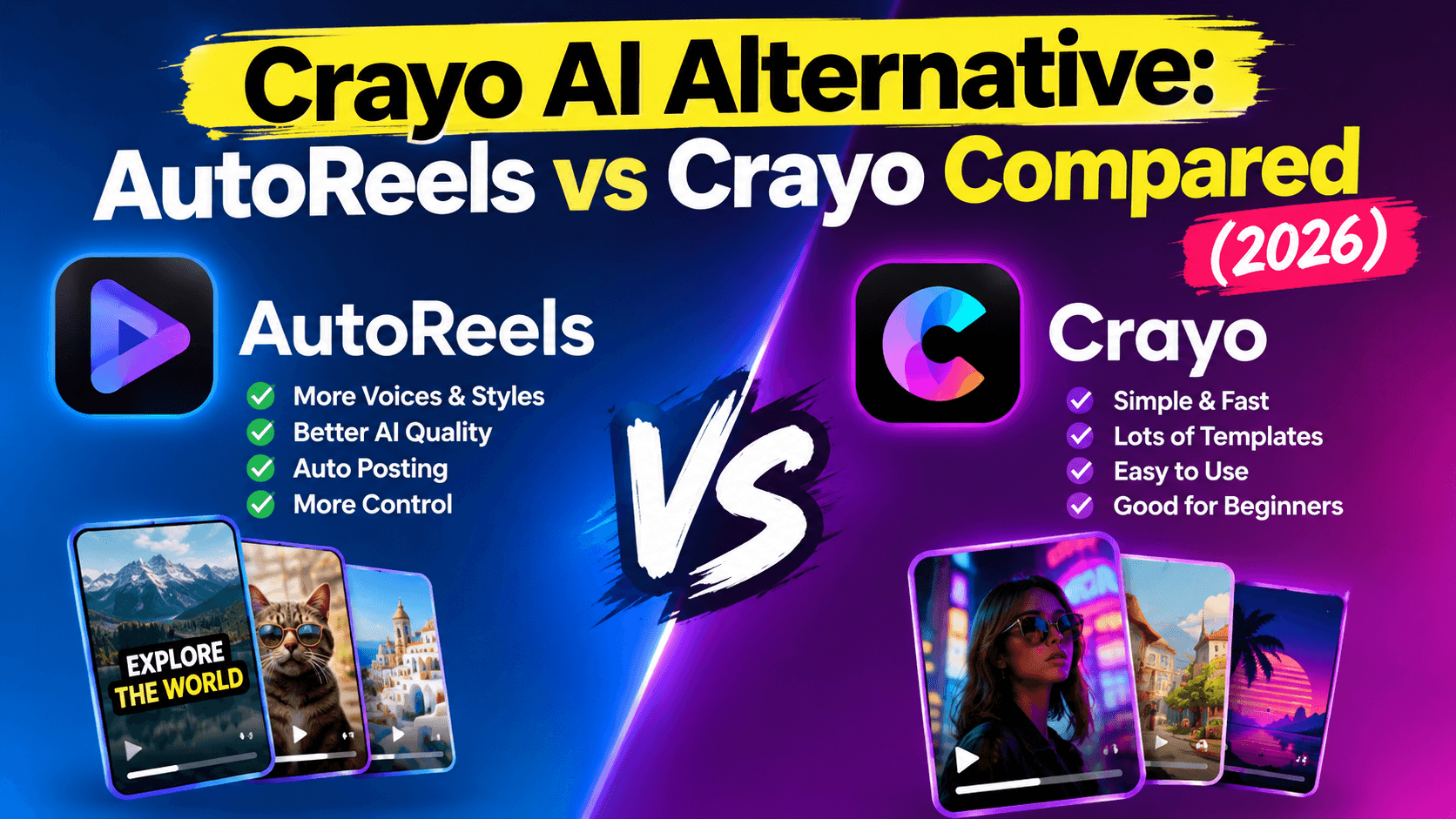
Crayo AI Alternative: AutoReels vs Crayo Compared (2026)
Crayo is one of the most popular AI tools for short-form video, with more than 3 million users. It's built around clipping and editing: you upload a file or paste a YouTube or TikTok link, and Crayo cuts it into clips with AI voiceovers and eye-catching subtitles. It also makes Reddit story videos, fake text videos and AI videos.
If what you actually want is a faceless channel that runs itself, with new videos created and posted every day without you editing anything, you need a different kind of tool. That's where AutoReels comes in.
Disclosure: AutoReels is our product. Crayo details below come from crayo.ai and its pricing page, checked on 16 October 2026. We've included where Crayo is the better choice.
Quick verdict
- Choose Crayo if you clip long videos into shorts, make Reddit story or fake text videos, or want a full editing toolkit (voice changer, face swap, subtitle remover, background remover).
- Choose AutoReels if you want original faceless videos generated from a topic and posted automatically to TikTok, YouTube, Instagram and Facebook on a schedule, with no editing.
Crayo vs AutoReels at a glance
Feature | Crayo | AutoReels |
|---|---|---|
What it's built for | Clipping and editing short videos | Running a faceless channel on autopilot |
How you start | Upload a file or paste a YouTube/TikTok link, one video at a time | Set up a series once (topic, voice, style, music); new videos are created on a schedule |
Video types | AutoClip, Reddit stories, fake texts, AI videos | AI-generated faceless story and explainer videos |
Auto-posting | Not listed; plans track 1–10 social accounts for views | Posts to TikTok, YouTube, Instagram and Facebook, or email delivery |
Scheduling | Not listed | 3 a week, daily or twice a day, with a review calendar |
Editing toolkit | Voice changer, face swap, subtitle remover, background remover, speech enhancer, video editor | Edit script, music, title and date before posting |
Subtitles | 15+ styles | Captions included |
Languages | "Most languages" | 14 narration languages and accents |
How usage is counted | Monthly credits and export minutes; credits don't roll over | A fixed number of posts per week |
Refunds | None | None on used plans |
Video ownership | You own your videos | You own your videos |
The short version: Crayo helps you edit videos faster. AutoReels makes and publishes them for you.
Crayo pricing vs AutoReels pricing
Crayo sells three plans based on credits (one credit = one generated video) and export minutes:
Crayo plan | Price shown | Credits a month | Export a month |
|---|---|---|---|
Hobby | $13/month | 250 | 2 hours |
Clipper (most popular) | $27/month | 1,000 | 10 hours |
Pro | $55/month | 3,000 | 30 hours |
Crayo's credits reset each month and don't roll over, and every plan includes all of its editing tools. Check crayo.ai/pricing for current monthly and yearly amounts.
AutoReels sells posting schedules. Every plan includes auto-posting, edit and preview, HD, background music and no watermark:
AutoReels plan | Posts | Yearly price | Per month |
|---|---|---|---|
Starter | 3 a week | $144 | $12 |
Daily | 1 a day | $276 | $23 |
Hardcore | 2 a day | $492 | $41 |
How to compare them: they measure different things. Crayo gives you a lot of editing capacity for videos you produce and post yourself. AutoReels gives you a set number of finished videos that it also publishes. If you'd post one video a day anyway, the real question is how many hours a week you want to spend editing and uploading.
When each tool fits
Crayo is the better fit if…
- You clip existing content. Streamers, podcasters and YouTubers who turn long videos into shorts get the most from AutoClip.
- You make Reddit story or fake text videos with gameplay or background footage.
- You want a full editing toolkit in one place: voice changer, face swap, subtitle and background removal, speech enhancement.
- You produce a lot of videos and are happy to post them yourself. Even the Hobby plan includes 250 credits a month.
AutoReels is the better fit if…
- You don't have source footage. AutoReels creates original faceless videos from a topic: script, AI visuals, voice, captions and music.
- You want posting handled for you. Connect TikTok, YouTube, Instagram and Facebook once, and videos go out on schedule.
- You want consistency without daily work. A series keeps the same voice, art style and format, and you review the upcoming videos on a calendar once a week.
- You run several channels or client accounts and can't spend an hour a day editing for each one.
Some creators use both: Crayo to clip their own long-form content, and AutoReels to keep a separate faceless channel posting every day.
Moving from Crayo to AutoReels
If you've been making faceless story videos in Crayo and posting them by hand, switching to autopilot takes about 15 minutes:
- Pick a plan by posting frequency: Starter (3 a week), Daily (1 a day) or Hardcore (2 a day).
- Turn your best-performing format into a series prompt. For example: "50-second first-person story with a twist ending. Open with the strangest detail."
- Choose a narrator, art style and music close to your current look, so your audience recognizes the channel.
- Connect your TikTok, YouTube, Instagram and Facebook accounts.
- Preview the first week of videos on the calendar and adjust the prompt until the tone is right.
- Keep Crayo for clipping if you still produce long-form content, and let AutoReels handle the daily faceless posts.
Frequently asked questions
What is Crayo AI?
Crayo (crayo.ai) is an AI video tool for short-form content: auto clipping, AI voiceovers, 15+ subtitle styles, Reddit story and fake text videos, AI images and a set of editing tools. It reports more than 3.2 million users.
How much does Crayo cost?
Crayo's pricing page lists Hobby at $13/month, Clipper at $27/month and Pro at $55/month, with 250, 1,000 and 3,000 monthly credits. Check crayo.ai/pricing for current monthly and yearly amounts.
Is Crayo AI free?
Crayo's pricing page lists three paid plans (Hobby, Clipper and Pro) and doesn't mention a free plan or trial. Check crayo.ai/pricing for the latest; offers change often.
Is there a free Crayo AI alternative?
Most tools in this space charge once you post regularly, because every video uses paid AI computing. If cost is the concern, compare price per video rather than looking for free: AutoReels' daily plan works out to about $0.76 per video billed yearly, with posting included.
Does Crayo post to TikTok or YouTube automatically?
Crayo's site doesn't list auto-posting or scheduling; its plans include tracking views on 1 to 10 social accounts. AutoReels posts automatically to TikTok, YouTube, Instagram and Facebook.
What's the best Crayo alternative for faceless channels?
If you want videos created from a topic and posted for you every day, AutoReels is built for that, from $12/month billed yearly. For a wider comparison, see our guide to faceless reels AI tools.
Is AutoReels a video editor like Crayo?
No. AutoReels doesn't clip or edit your own footage. It generates new faceless videos and publishes them; you can edit the script, music, title and date before each one goes live.
Do I own videos made with Crayo or AutoReels?
Both say you own the videos you create and can monetize them.
The bottom line
Crayo and AutoReels solve different problems. Crayo is a powerful editor for clipping and producing short videos yourself. AutoReels is an autopilot that creates original faceless videos and posts them to TikTok, YouTube, Instagram and Facebook every day.
If you're tired of editing and uploading by hand, set up one series and let it run.
Start your faceless series with AutoReels → · See pricing
Crayo is a trademark of its respective owner. AutoReels is not affiliated with, endorsed by or sponsored by Crayo. Information about Crayo is based on crayo.ai and crayo.ai/pricing as of 16 October 2026 and may have changed.