How to Automate Reels with AI: Post Daily on Autopilot (2026)
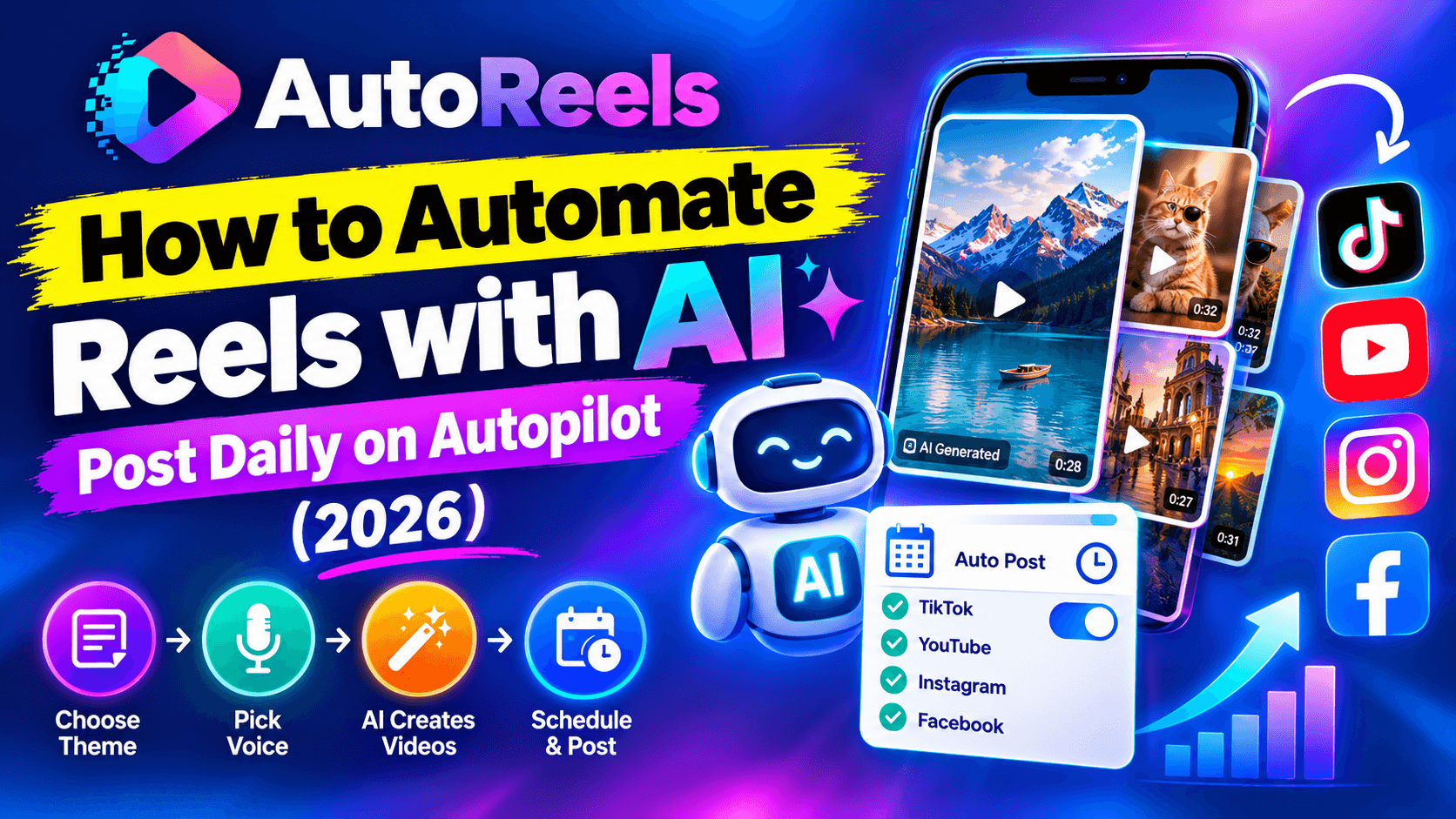
Every growth guide for Reels, TikTok and Shorts says the same thing: post consistently. Daily if you can. The problem is that daily posting quietly turns into a second job. Ideas, scripts, visuals, voiceover, captions, exports, uploads, descriptions, scheduling. Then you do it all again tomorrow.
Most creators don't fail because their content is bad. They fail because they stop posting after three weeks.
Automation fixes the consistency problem. In this guide, you'll learn what parts of a reels workflow you can safely automate with AI, how to set up a system that posts every day without you, and how to do it without hurting your reach. If you're new to faceless content, start with our guide on how to make faceless reels with AI.
What you can (and shouldn't) automate
Automating reels doesn't mean handing your account to a robot and walking away. The smart approach is to automate the repetitive production work and keep the creative decisions for yourself.
Safe to automate:
- Script drafts. AI writes a first version from your topic or prompt.
- Visuals. AI generates images or scenes in your chosen style for every line of the script.
- Voiceover. A consistent AI narrator reads every video.
- Captions and subtitles. Generated and timed automatically.
- Formatting. Exported in 9:16 for Reels, TikTok and Shorts.
- Scheduling and posting. Videos are published to your connected accounts at set times.
Keep human:
- Choosing the niche and topics. This is the strategy, and it decides whether the account grows.
- A final script check. A 30-second read catches factual errors and weak hooks.
- Replying to comments. Engagement in the first hour after posting helps reach, and audiences can tell when nobody's home.
- Reviewing results. Deciding what to double down on each week.
Manual vs automated: where your time goes
Here's a typical estimate for one 45-second narrated reel. Your own numbers will vary, but the gap is usually similar.
Task | Manual (per video) | Automated (per video) |
|---|---|---|
Write the script | 20 min | 1 min review |
Find or create visuals | 30 min | 0 min |
Record voiceover | 10 min | 0 min |
Edit, sync captions, export | 30 min | 0 min |
Upload, write description, schedule | 10 min | 1 min check |
Total | About 100 min | About 2 min |
At one video a day, that's roughly 12 hours a week done manually versus about 15 minutes with automation. The hours you get back can go into the parts that actually grow an account: better topics, stronger hooks and talking to your audience.
How to set up automated reels, step by step
The key idea is to stop thinking in single videos and start thinking in series: a recurring show with a fixed topic, style and schedule. Here's how to set one up in AutoReels.
Step 1: Connect your accounts
Link the accounts you want to publish to: TikTok, YouTube, Instagram or Facebook. If you'd rather review every video before it goes out, choose email delivery instead and post manually. You can switch to auto-posting once you trust the output.
Step 2: Define your series
A series is the template every future video follows. Decide:
- Topic or prompt: for example, "little-known facts about ancient Egypt" or "true unsolved mysteries". Use a built-in prompt or write your own.
- Narrator voice: one voice that fits the mood of the series.
- Art style: one consistent look, such as anime, comic book or dark illustration.
- Background music: subtle, royalty-free, matching the tone.
- Language: narration is available in 14 languages and accents.
- Format and length: 9:16 for vertical platforms, 30 to 60 seconds to start.
The more specific the topic, the better the videos. "History" is too broad. "Bizarre laws from history" gives the AI a clear angle every time.
Step 3: Set the publishing schedule
Pick how often new videos go out and at what time. One video a day is a strong default. Choose a time when your audience is active; your platform analytics show this once you have some followers.
Step 4: Preview the calendar
Before anything is published, your upcoming videos appear on a calendar. Open each one to check the script, swap the music, change the title or description, or move the publication date. Spend five minutes here each week and your automated channel stays high quality.
Step 5: Let it run, then review weekly
Once the series is live, new videos are generated and posted on schedule. Your only recurring job is a weekly review: which videos held attention, which hooks worked, which topics flopped. Adjust the prompt based on what you learn.
Step 6: Scale with more series
When one series is working, add another. You can run a second niche, the same niche in another language, or a separate series for a different platform. Each one runs on its own schedule without adding hours to your week.
How to automate without hurting your reach
Platforms don't punish automation itself. Scheduling tools are normal and widely used. What they push down is low-effort, repetitive content. Keep your automated account on the right side of that line:
- Make every video different. Same style and voice is good; same script with small word swaps is not. Give the prompt enough room that each video tells a new story or fact.
- Don't post identical videos to multiple accounts. Run separate series with different angles instead.
- Use original or properly licensed material. No reposted clips, copyrighted characters or unlicensed music.
- Show up in the comments. Replying to a few comments after each post signals a real creator behind the account.
- Start at a sustainable pace. A brand-new account posting ten times a day can look like spam. Start at once a day and increase gradually if results justify it.
- Read platform policies. YouTube, TikTok and Instagram each publish rules on reused and mass-produced content. A few minutes reading them protects months of work.
Frequently asked questions
Can you automate Instagram Reels?
Yes. With a tool that connects to your Instagram account, you can generate reels with AI and publish them on a schedule. AutoReels can auto-post to Instagram, TikTok, YouTube and Facebook from the same series.
Is it allowed to auto-post reels?
Scheduling and posting through connected tools is a normal practice. What platforms restrict is spam-like behavior and repetitive, low-effort content, so keep each video original and post at a reasonable pace.
How many reels should I post per day?
One a day is a good starting point for most accounts. Increase only when your watch time and follower growth hold up.
Can I still edit videos if they're automated?
Yes. In AutoReels, upcoming videos appear on a calendar where you can edit the script, music, title, description and publishing date before they go live.
Do automated reels work for businesses?
Yes, especially for brands that need consistent posting but don't have a video team. A series of tips, facts or stories in your industry keeps your accounts active while your team focuses on other work.
How much does it cost to automate reels?
AutoReels has a free plan for your first series. Paid plans add more frequent posting, higher resolution and no watermark. See pricing for current plans.
Put your reels on autopilot
Consistency is the biggest factor you control on Reels, TikTok and Shorts, and it's the first thing to break when life gets busy. Automating the production and posting means your account keeps growing on the days you can't touch it.
Set up one series this week: one niche, one voice, one style, one video a day. Check the calendar for five minutes each week, and let the system handle the rest.