The Content Expiration Date: Why Your Best Short-Form Videos Need Regular Updates

A small software company publishes a short video explaining its product, highlighting three features and promoting a monthly subscription price. The video performs well, attracts new viewers, and continues circulating months later. But the company has since changed its pricing, redesigned the interface, and replaced one of the features.
The video still looks professional. Its information, however, is no longer correct.
This is the content expiration problem. Publishing a video does not guarantee that it will remain useful indefinitely. Prices change, offers end, products evolve, and instructions become outdated. A strong video strategy therefore needs more than a steady flow of new posts. It also needs a process for reviewing the content already online.
Why Short-Form Videos Have an Expiration Date
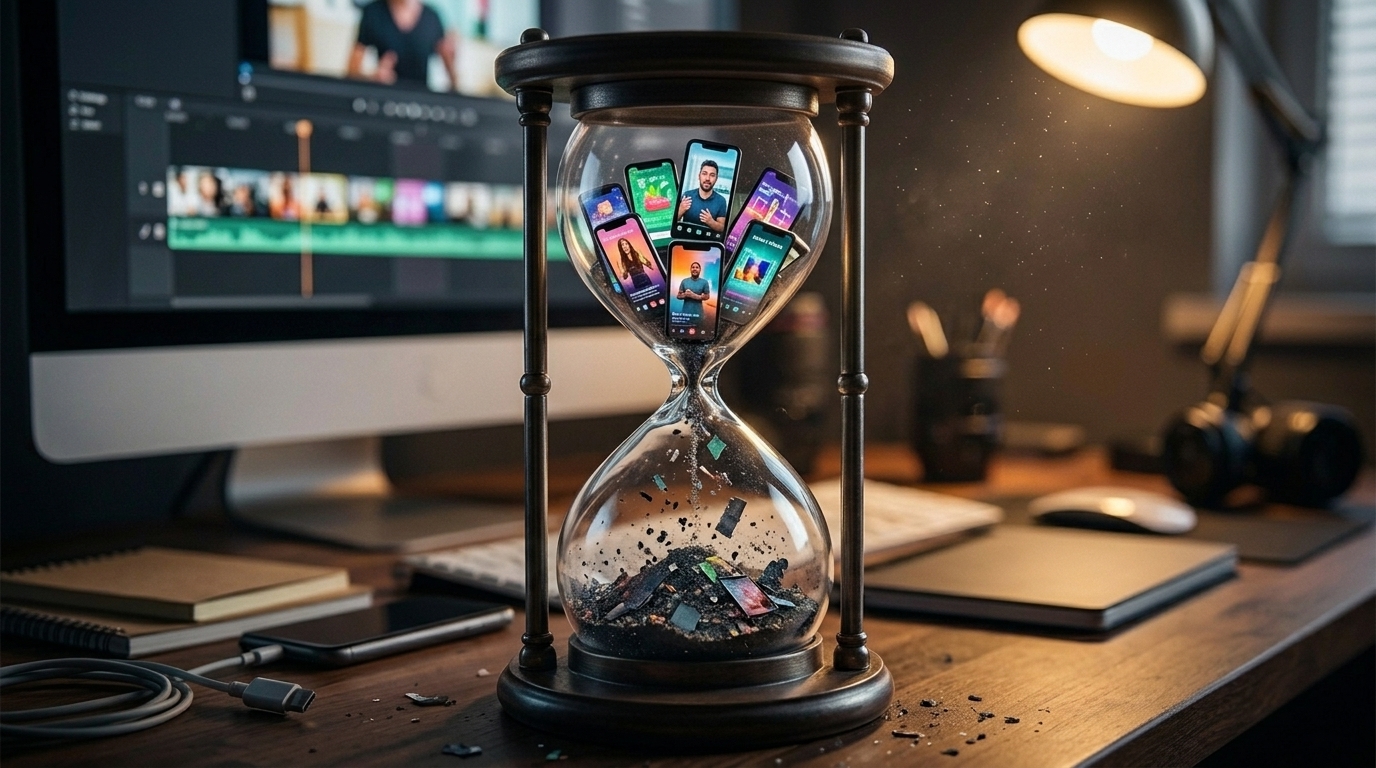
Short videos are often designed to be quick, engaging, and easy to share. Those qualities can help them circulate long after publication, sometimes beyond the period when their information is accurate.
Several changes can make an older video misleading:
Product changes: A feature may be renamed, redesigned, restricted, or discontinued.
Pricing updates: Subscription costs, packages, and included benefits can change.
Expired promotions: A discount or limited-time offer may no longer be available.
Old statistics: Research findings, market figures, and industry data can lose relevance.
Broken links: A destination page, signup form, or download link may have moved.
Changed instructions: Software interfaces, platform settings, and publishing requirements evolve.
Business updates: Policies, services, and customer processes may no longer match the video.
The visual quality of a video does not protect it from these changes. A polished tutorial can still direct someone to a button that no longer exists.
Evergreen Content vs. Time-Sensitive Content
Not every video needs the same review frequency. Start by separating your library into two broad categories.
Evergreen content explains ideas that are likely to remain useful for a long time. Examples include general communication principles, basic storytelling advice, or an explanation of why captions can improve accessibility. These videos may need occasional checks, but their central message is less likely to change quickly.
Time-sensitive content depends on details that can change. Product demonstrations, pricing explanations, software tutorials, statistics, event announcements, and temporary promotions belong here. They should be reviewed whenever a relevant change occurs, not only when a scheduled review date arrives.
A practical approach is to assign each video a category and a review date. A general educational video might receive an annual check, while a product tutorial should be reviewed after a significant interface update. These are suggested starting points, not universal deadlines.
Content-maintenance guidance from Digital.gov similarly emphasizes reviewing existing material, deciding what should be updated or retired, and maintaining quality after publication.
How to Conduct a Short-Form Video Audit
A video audit does not mean deleting everything old. It means understanding what you have published and deciding whether each item still deserves to be available.
Use this seven-step process:
Create an inventory. Collect links to videos published across TikTok, Instagram Reels, YouTube Shorts, and other relevant channels.
Record the basics. Note each video's title, publication date, subject, platform, and intended audience.
Flag changeable details. Identify prices, product features, statistics, links, offers, instructions, and other claims that could become inaccurate.
Verify the information. Compare each claim with current product pages, official documentation, approved pricing, and reliable sources.
Review its purpose. Ask whether the video still answers a useful audience question or supports a current business objective.
Choose an action. Keep, update, replace, or retire the video according to its condition.
Set the next review date. Record who is responsible and when the video should be checked again.
A useful audit spreadsheet can include columns for video URL, topic, last checked date, accuracy status, priority, required action, owner, and next review date.
The 18F content audit guide also recommends creating an inventory and recording ownership and update frequency. Although its process is designed for broader digital content, the same principles can be adapted to a short-form video library.
Update, Replace, or Retire? Choosing the Right Action
Once you identify an issue, choose the response that actually fixes it.
Update the video when only a small number of details have changed and the original message remains useful. For example, a revised price or a renamed feature may require a new version with corrected narration, visuals, and captions.
Replace the video when the original structure no longer explains the subject properly. A tutorial showing an entirely redesigned interface may be clearer as a newly planned walkthrough than as a series of small edits.
Retire the video when its purpose has disappeared, the offer is permanently unavailable, or its claims cannot be responsibly corrected. If appropriate, remove it from active promotion and update any related links or descriptions.
Changing a caption alone is not enough when the incorrect price, instruction, or product claim appears in the video itself. Viewers may encounter the video without reading its description. The correction needs to reach the content they actually see.
A Practical Example: A Software Business Reviews Its Video Library

The following is an illustrative example, not a real customer case or a documented AutoReels result.
Imagine a small software company with four published videos: a product introduction, a pricing explanation, a promotional announcement, and a tutorial.
During its quarterly review, the team discovers that one product feature has changed, the subscription plan has been revised, the promotion has expired, and the tutorial demonstrates an older interface.
The team does not delete all four videos. It updates the product introduction to reflect the current feature, replaces the pricing video with an accurate explanation, retires the expired promotion, and produces a new tutorial using the current interface.
Each revised video is checked before publication. The team also records the next review date, so the same problems are less likely to go unnoticed.
How AutoReels Can Support a More Organized Video Workflow
Maintaining a video library involves more than identifying outdated information. Once a correction is approved, creators may need to prepare a revised script, generate new visuals and narration, review the result, and organize its publication.
AutoReels can support parts of this production workflow through AI-assisted video creation, customizable series, and publishing options. Its video creation walkthrough explains how creators can choose a topic, customize narration and visual settings, preview generated content, and work with upcoming videos through the calendar.
The platform also describes options for editing prompts, scripts, titles, descriptions, and scheduled publication details, as well as rescheduling upcoming videos. These capabilities can help creators prepare and organize new versions when information changes.
However, AutoReels should not be treated as an automatic content auditor. Creators still need to identify outdated claims, verify current facts, decide what needs changing, and approve revised videos before they are published. For more guidance on the platform's workflow, visit the AutoReels blog.
Your Video Content Maintenance Checklist
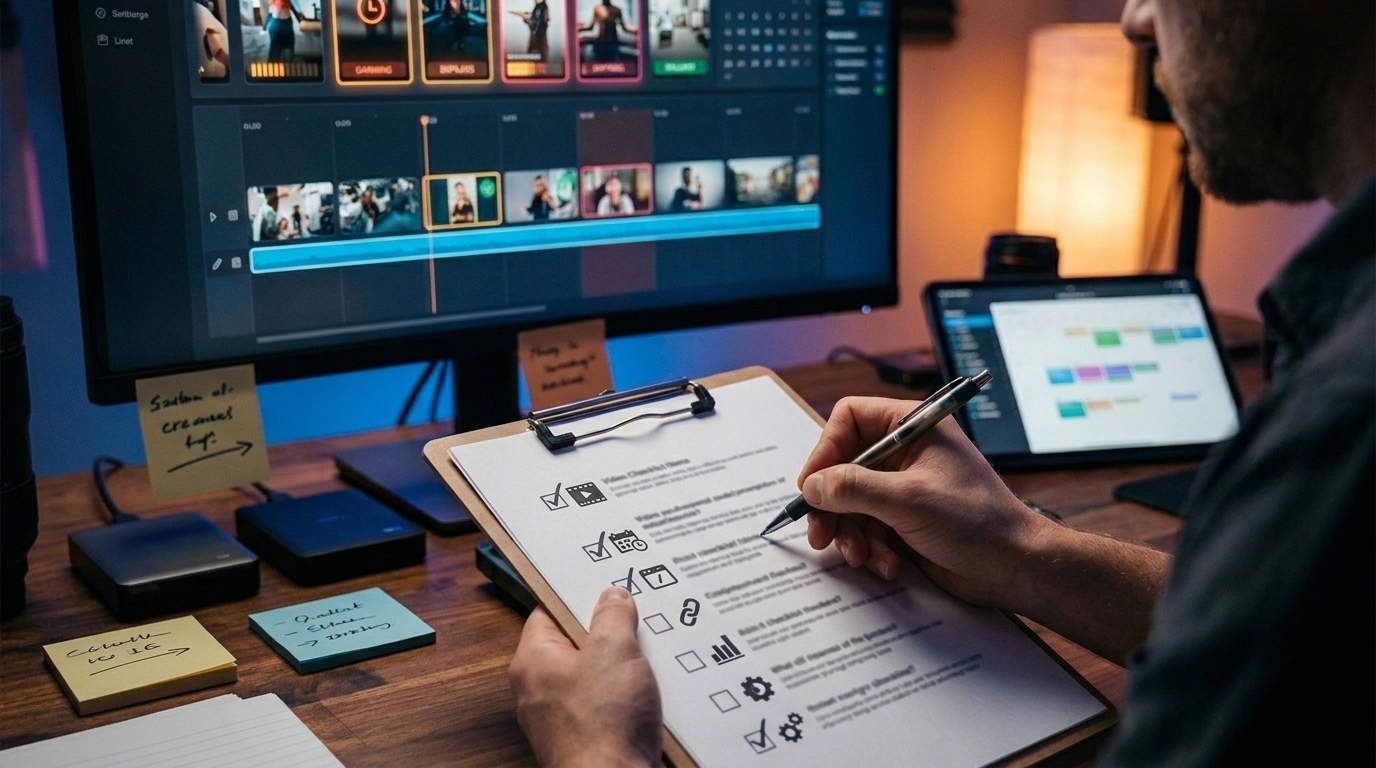
Before keeping an older video in active circulation, check:
- Are its claims and information still accurate?
- Are product features, prices, and plans current?
- Do its links and calls to action still work?
- Are its statistics supported by current sources?
- Do its instructions match the current process?
- Are its visuals and narration still appropriate?
- Does its description need updating?
- Is a next review date recorded?
Don't Just Publish More. Keep What You Publish Useful.
A successful video library is not simply a collection of posts that once performed well. It is a collection of resources that continue to inform viewers accurately.
By separating evergreen and time-sensitive content, auditing published videos, and choosing carefully between updating, replacing, and retiring, creators can reduce the risk of leaving misleading information online.
New content helps a channel move forward. Maintaining existing content helps make sure its past work remains worth watching.