TikTok Auto Post Bot: How to Auto-Post Videos Safely in 2026 (Free and Paid Options)
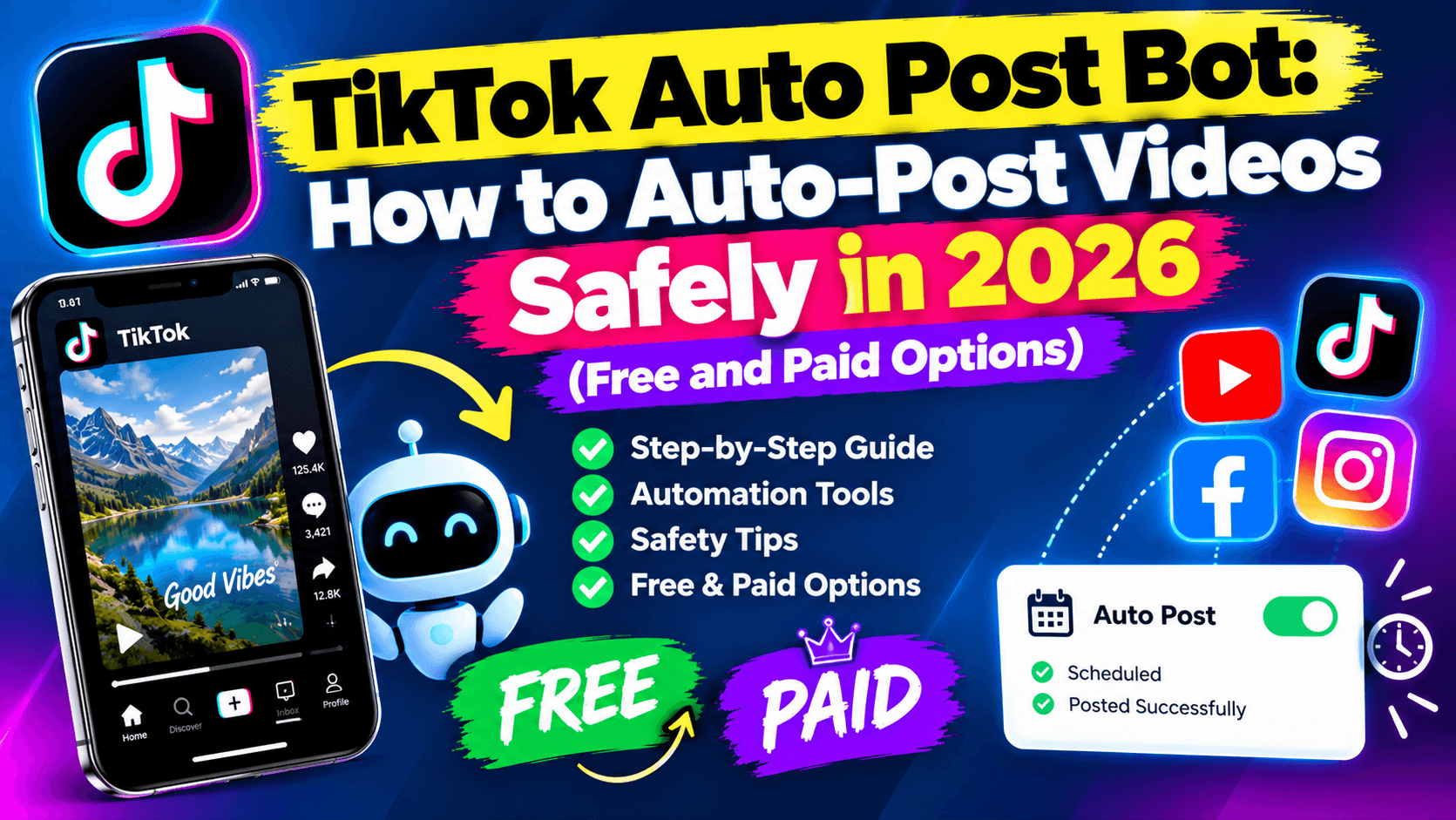
Is a TikTok auto post bot safe?
Short answer: auto-posting is safe when the tool uses TikTok's official Content Posting API. It's risky when a "bot" logs in as you, clicks through the app, or adds fake likes and shares. TikTok's rules ban the second kind, and accounts using it can lose reach or be banned.
So the real question isn't "bot or no bot". It's whether the tool posts through TikTok's front door or sneaks in the back.
This guide explains the difference, the free options, the limits TikTok sets on auto-posting, and how to set up a channel that posts every day without you opening the app.
Disclosure: this guide is published by AutoReels, an AI tool that creates faceless videos and auto-posts them to TikTok, YouTube, Instagram and Facebook.
Official auto-posting vs unofficial bots
The safe kind connects through TikTok's login screen and the Content Posting API. The risky kind pretends to be you.
Official API tools | Unofficial bots | |
|---|---|---|
How it connects | You approve access on TikTok's own login page | Asks for your password, or runs a script in a browser or phone farm |
What TikTok says | Approved apps may publish videos for users who consent | US Terms bar bots and scraping unless TikTok approves in writing |
Who reviews it | TikTok audits the app before its posts can be public | Nobody |
Post visibility | Public, once the app passes TikTok's audit | Public until TikTok detects it |
Daily limit | Typically around 15 posts per account per day, shared across apps | None, which is how accounts get flagged |
Extras | Posting and scheduling only | Often bundled with fake likes, follows, shares or mass comments |
Risk | Low | Reduced reach, removed videos or a banned account |
One detail most guides miss: an app that hasn't passed TikTok's audit can only post privately ("Only me"), and to at most 5 accounts a day. If a new tool's videos keep showing as private, that's why.
Sources: TikTok Content Sharing Guidelines, AdaptlyPost on TikTok API approval (Oct 2026), InstantDM on TikTok's automation rules (Aug 2026).
Is there a free TikTok automation bot?
There are free ways to schedule TikToks, but none of them make the videos for you. That's the part that takes the time.
Free option | What it does | Limit |
|---|---|---|
TikTok's built-in scheduler (TikTok Studio on desktop) | Schedules a video you already made | Up to 10 days ahead; desktop only; TikTok only |
Free tiers of social schedulers | Queue videos to TikTok and other networks | Small monthly post caps; you still create every video |
Open-source tools (self-hosted) | Clip and post your own long videos | Needs a server, API keys and an app that has passed TikTok's audit to post publicly |
"Free bot" downloads and Telegram bots | Claim to post, like or share automatically | Usually unofficial; puts your account at risk. Avoid. |
Scheduler details: Hopper HQ's TikTok scheduling guide (Jan 2026).
The catch with free: scheduling saves a few minutes a week. Writing, voicing and editing a video every day takes hours. If you want a channel that runs itself, you need a tool that creates and posts.
How to auto-post TikToks (and Shorts) safely, step by step
This setup takes about 15 minutes and posts a new faceless video every day, without a risky bot.
- Pick one niche. Scary stories, history facts, motivation or finance tips. One topic per account helps TikTok learn who to show your videos to.
- Use a tool that creates the video too. With AutoReels, you enter the series topic once. AI writes each script, creates the visuals and voiceover, and adds captions.
- Connect TikTok through its official login. You approve access on TikTok's own page. Never give a tool your password.
- Add YouTube, Instagram and Facebook. The same video goes to YouTube Shorts, Instagram Reels and Facebook Reels, so one video reaches four audiences.
- Set a realistic rhythm. Once or twice a day is plenty, well under TikTok's typical cap of about 15 posts a day per account. Consistency matters more than volume.
- Check in once a week. Look at which videos held viewers longest and adjust your topic or style. Delete nothing in a panic; give a new series 2–3 weeks.
What it costs with AutoReels: $144 a year for 3 videos a week, $276 for 1 a day, or $492 for 2 a day, with auto-posting to all four platforms included.
FAQ
Can a TikTok auto post bot get my account banned?
An unofficial one can. TikTok's terms bar bots unless TikTok approves them, and fake likes, follows or shares break its rules. Tools that post through TikTok's official Content Posting API are allowed.
Is there a free TikTok automation bot?
TikTok's own desktop scheduler is free and lets you schedule posts up to 10 days ahead. It won't create videos, though. Free "bots" that promise likes or shares are risky and best avoided.
How many TikToks can I auto-post per day?
TikTok typically allows around 15 posts per account per day through its posting API, shared across all apps. For growth, 1–2 quality posts a day is a better target.
Why are my auto-posted TikToks private?
Apps that haven't passed TikTok's API audit can only post privately. Check that your tool is approved, or switch to one whose posts go public.
Is there an auto video uploader for YouTube Shorts too?
Yes. YouTube also has an official upload API. AutoReels posts the same video to YouTube Shorts, TikTok, Instagram and Facebook automatically.
What's the best TikTok auto post bot for faceless videos?
One that both creates and posts through official APIs. AutoReels writes, voices and edits each faceless video, then auto-posts it to four platforms, from $144 a year.
The bottom line
A TikTok auto post bot is only worth using if it posts through TikTok's official API. Anything that asks for your password or promises likes and shares puts your account at risk. And since posting is the easy part, the real time-saver is a tool that also makes the videos.
AutoReels does both: it creates a faceless video from your topic and posts it to TikTok, YouTube, Instagram and Facebook on your schedule.