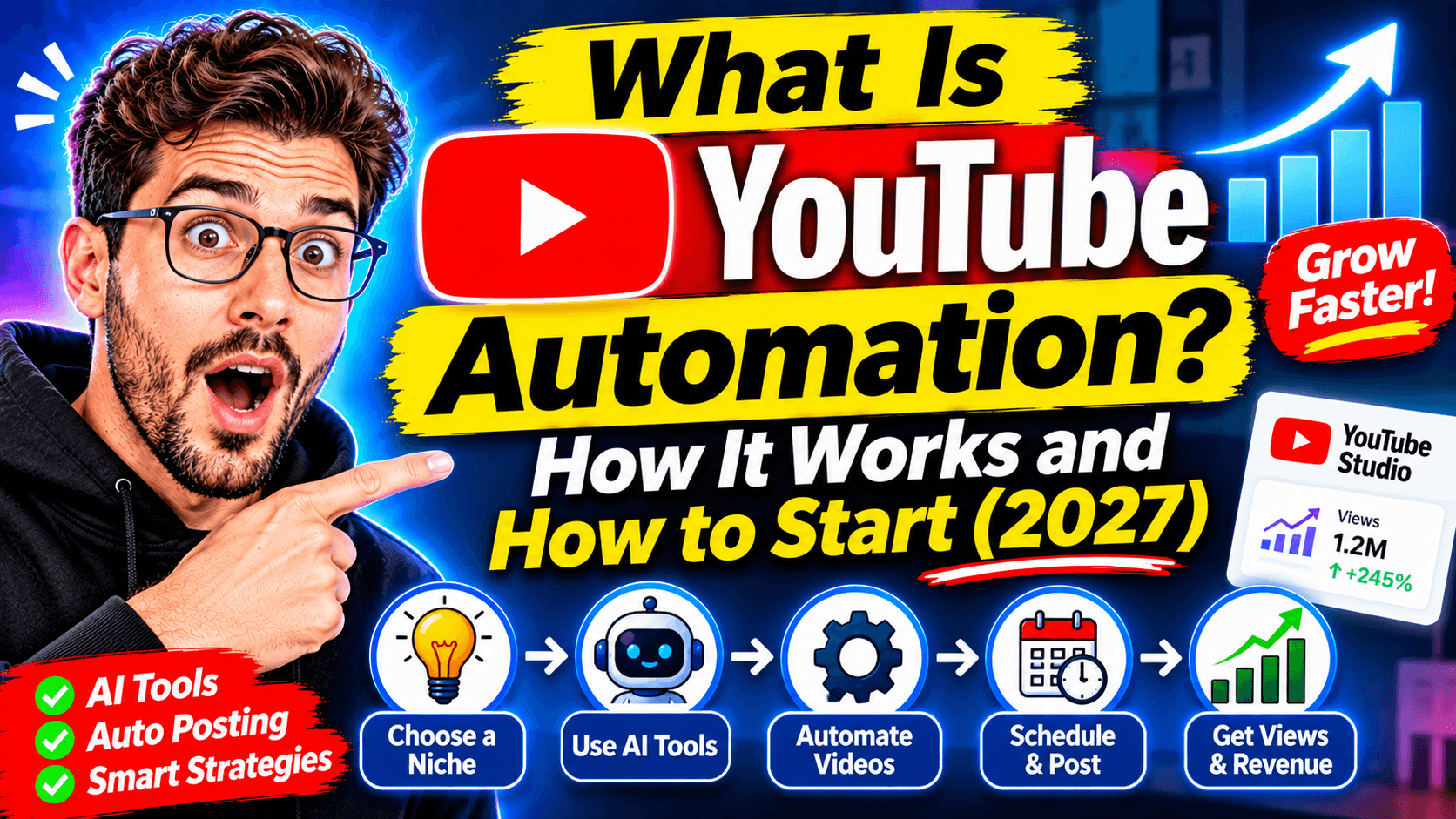
What Is YouTube Automation? How It Works and How to Start (2027)
YouTube automation is a way of running a YouTube channel without filming, editing or presenting the videos yourself. You choose the topic and the strategy; the production work (scripts, voiceovers, visuals, editing and uploading) is handed to freelancers, software, or both.
Most automated channels are faceless: no one appears on camera. Videos are built from a script, an AI or human voiceover, and images, clips or animations. Common niches include history, science explainers, true stories, motivation, finance and "top 10" lists.
The idea isn't new. What has changed is cost. A few years ago, automation meant paying a writer, a voice actor and an editor for every video. Today, AI tools can do most of those steps in minutes, which makes it possible to run a channel on a small monthly budget.
This guide covers how YouTube automation works, whether it's allowed, how to start, and what to look for in an automation tool.
How YouTube automation works
Every automated channel runs on the same six steps. The difference between channels is who, or what, does each one.
- Niche and topics. You pick a subject people search for and watch repeatedly, then build a list of video ideas.
- Script. Each video starts as a written script with a hook in the first seconds.
- Voiceover. A human voice actor or an AI voice reads the script.
- Visuals. Images, stock clips, AI-generated art or gameplay footage are matched to the script.
- Editing. Everything is cut together with subtitles and music, in the right format: vertical 9:16 for Shorts, horizontal 16:9 for regular videos.
- Publishing. The video is uploaded with a title, description and tags, on a regular schedule.
Your job as the channel owner is steps 1 and the strategy around it: which topics work, how often to post, and what to change when views drop.
Two ways to automate: freelancers or AI tools
Freelancer team | AI automation tool | |
|---|---|---|
Who does the work | A writer, a voice actor and an editor, hired per video | Software creates each video from your topic |
Cost | Paid per video, so it grows with every upload | A fixed monthly plan |
Speed | Days per video | Minutes per video |
Your time | Hiring, briefing, reviewing and paying people | Setting up the series and checking results |
Best for | Long, high-production videos | Shorts and short videos posted daily |
Many channel owners combine both: AI for daily Shorts, and freelancers for the occasional long video.
With an AI tool like AutoReels, you set up a series once (topic, style, voice and schedule) and it writes, voices, edits and posts each video for you. Plans start at $19 a month for 3 videos a week.
Is YouTube automation legit?
Yes. YouTube doesn't ban faceless channels, AI voiceovers or outsourced editing. Plenty of monetized channels work this way.
What YouTube does restrict is the kind of content automation can produce when it's done badly. Under the YouTube Partner Program, "inauthentic" content (mass-produced or repetitive videos made from a template with little variation) can't earn money from ads.
To stay on the right side of that rule:
- Make each video different. A new script, angle or story every time, not the same video with a few words changed.
- Add value. Explain, teach, tell a story or entertain. A slideshow of clips with no narrative is what gets flagged.
- Disclose realistic AI content. If a video shows realistic people, places or events that didn't happen, YouTube asks you to label it as altered or synthetic.
- Use visuals you're allowed to use. AI-generated images and licensed footage are safer than clips taken from other channels.
A well-run automated channel looks like any other good channel: one clear topic, useful or entertaining videos, and a steady posting schedule.
How to start YouTube automation, step by step
- Pick a niche. Choose a topic with steady demand that you can make dozens of videos about. Our list of 40 faceless YouTube channel ideas is a good place to start.
- Study what already works. Look at 5 to 10 channels in your niche. Note their video length, posting rhythm, hooks and thumbnails.
- Create the channel. Set up the name, profile picture, banner and description. The full setup is in our guide on how to start a faceless YouTube channel.
- Choose your production method. Freelancers, an AI tool, or both, depending on your budget and the type of video.
- Post on a schedule. Consistency matters more than perfection at the start. Many automated channels post a Short every day.
- Review every two weeks. Check which videos get the most views and watch time, and make more of what works.
Expect it to take months, not weeks. Most channels need a large number of videos before the algorithm finds their audience.
What to look for in a YouTube automation tool
Not every AI video tool automates a channel. Many make a single video and leave the rest to you. Before choosing one, check these points:
- Does it post for you? True automation means videos are uploaded on a schedule, not downloaded and uploaded by hand.
- Does it work for Shorts and long videos? Look for both vertical and horizontal formats.
- How long can videos be? Shorts need under a minute; storytelling and explainer videos often need longer.
- Voices and languages. More voices and languages let you test different styles and run channels outside English.
- Visual styles. Different niches need different looks: realistic, cartoon, cinematic or gameplay backgrounds.
- Can you review before posting? An edit and preview step helps you catch mistakes and keep quality high.
- Cost per video. Divide the monthly price by the number of videos you get.
AutoReels covers all of these: auto-posting to YouTube, TikTok, Instagram and Facebook (or delivery by email), vertical, horizontal and square formats, videos from 15 seconds to 2 minutes, 13 AI voices in 32 languages, and 31 image styles. See the plans and prices.
FAQ
What is YouTube automation in simple terms? Running a YouTube channel where someone else, or software, makes and uploads the videos. You decide the topic and strategy.
Is YouTube automation legit? Yes. Faceless channels, AI voices and outsourced editing are allowed. Mass-produced, repetitive videos can't earn ad money under YouTube's monetization rules, so each video needs to be original and useful.
Is faceless YouTube automation profitable? It can be, but results vary a lot by niche and consistency, and most channels take months to grow. Keep costs low while you test a niche, which is where a fixed-price AI tool helps.
What are the best AI tools for YouTube automation? Look for a tool that writes, voices, edits and posts videos on a schedule, supports both Shorts and long formats, and lets you review videos before they go live.
How do I start YouTube automation with no money? You can make the first videos yourself with free tools to test a niche. Once you know a topic works, an automation tool saves the hours that daily posting takes.