How Long Can an AI-Generated Video Be? Limits by Tool (2026)
How long can an AI-generated video be?
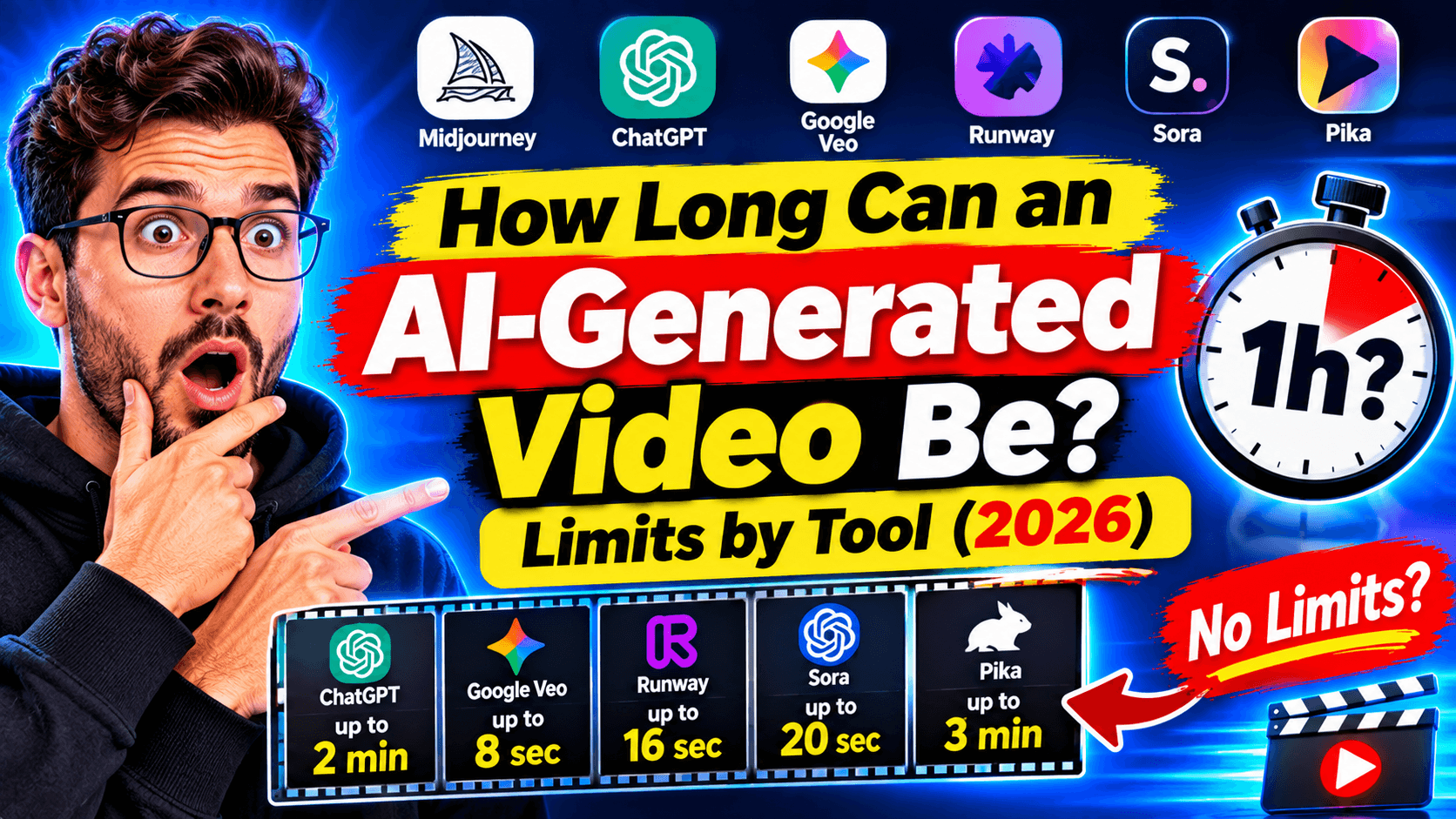
Short answer: most AI video models generate clips of about 5 to 15 seconds at a time. Some can extend a clip further; Kling, for example, can reach about 3 minutes through repeated extensions. A finished AI video, however, can be as long as you like, because tools combine many scenes into one video.
That's the difference most people miss:
- Clip length is how much video an AI model makes in one go. It's short: usually under 15 seconds.
- Video length is how long your finished video is. Story and faceless video tools build it from a script, many generated scenes, a voiceover and captions, so it can run from 30 seconds to many minutes.
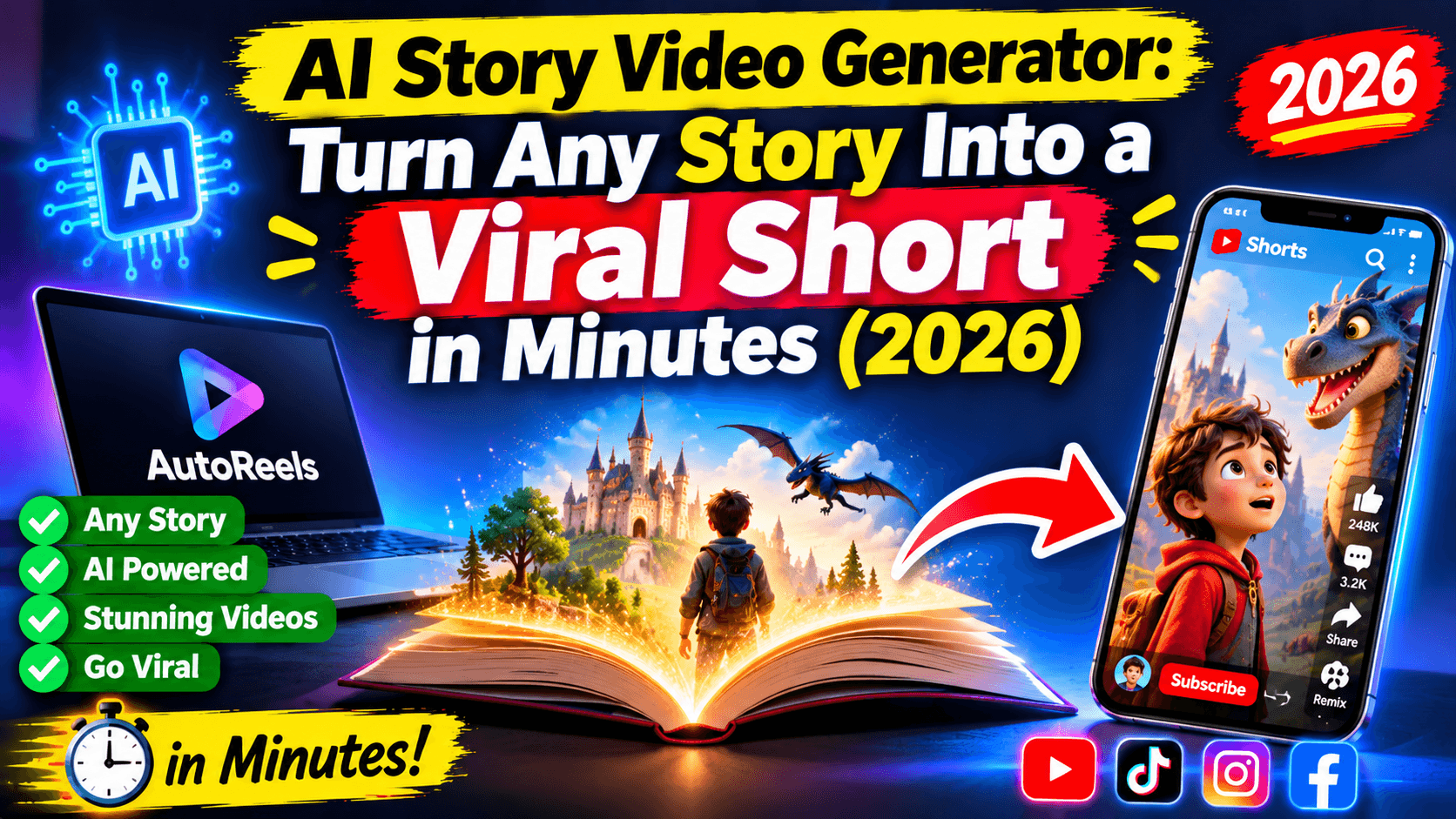
If you want a 60-second Short or a 10-minute YouTube video, you don't need a model that generates 10 minutes in one shot. You need a tool that plans the scenes, generates them and stitches them into one video for you. With AutoReels, a single video can run up to 30 minutes
Maximum clip length by AI video model (2026)
Every major model makes short clips. Longer results come from extending or stitching.
Model | Max clip per generation | Longer videos |
|---|---|---|
Google Veo 3.1 | About 8 seconds | Chain or extend clips |
Kling (v3) | About 5–10 seconds | Iterative extension up to about 3 minutes |
Seedance 1.5 Pro | About 12 seconds | Stitch clips |
Wan 2.6 | About 10 seconds | Stitch clips |
Luma Ray 2 | About 9 seconds | Stitch clips |
Runway | About 5–10 seconds | "Extend" feature |
Pika | About 5–10 seconds | Pikaframes chain to about 20–25 seconds |
Hailuo 2.3 (MiniMax) | About 6 seconds | Stitch clips |
Sources: AIMLAPI comparison (Apr 2026), Mihata's AI video tools guide (updated Sept 2026). Limits change with new versions and plans.
What about Sora? OpenAI shut down the Sora apps on 26 April 2026 and scheduled the Sora API to end on 24 September 2026, according to Mihata's guide. Sora 2 generated clips of up to about 15 seconds.
Why so short? Generating video takes a lot of computing power, and models struggle to keep characters, lighting and motion consistent over longer stretches. That's why long AI videos are built from many short scenes.
How to make long AI videos (3+ minutes)
There are two ways: stitch clips yourself, or let a tool build the whole video from a script.
The manual way (hours per video):
- Write a script and split it into 20–40 scenes.
- Generate each scene as a 5–10 second clip or image.
- Record or generate a voiceover.
- Line up clips, voice, music and captions in an editor.
- Export, then upload to each platform.
The automatic way (minutes, with AutoReels):
- Enter your topic, for example "the fall of the Roman Empire" or "true-feeling horror stories".
- Choose the length (up to [X minutes]) and the format: 16:9 for long YouTube videos or 9:16 for Shorts.
- Pick an art style and a voice. AutoReels writes the script, generates every scene, adds the voiceover and captions, and assembles the finished video.
- Set a schedule. It publishes to YouTube, TikTok, Instagram and Facebook automatically.
Tips for long videos that keep people watching:
- Open with the most surprising moment, then explain how it happened.
- Change the scene every few seconds; static visuals lose viewers on long videos.
- Use chapters or clear sections ("Part 1: The warning signs").
- Keep one consistent art style so the video feels like one story, not a slideshow.
How long should your AI video be? Best length by platform
Just because a platform allows long videos doesn't mean long is best. Here are the limits and a practical target for faceless AI videos.
Platform | Max length | Format | Good target for AI faceless videos |
|---|---|---|---|
YouTube Shorts | 3 minutes | 9:16 | 30–60 seconds |
YouTube (long-form) | Up to 12 hours (verified accounts) | 16:9 | 5–12 minutes for stories and explainers |
TikTok | 60 minutes uploaded, 10 minutes recorded in-app | 9:16 | 30–90 seconds; over 1 minute if you're in Creator Rewards |
Instagram Reels | 3 minutes in-app; longer uploads reportedly up to 20 minutes | 9:16 | 30–90 seconds |
Facebook Reels | No stated limit | 9:16 | 30–90 seconds |
Limits from Designer Daily's 2026 video specs guide (June 2026). Platforms change these often, so check the app before you plan a series.
A simple rule: make your video as long as the story needs and no longer. A 45-second story that people finish beats a 3-minute one they skip.
FAQ
How long can an AI-generated video be?
Most AI video models generate 5–15 seconds per clip. Some extend further; Kling reaches about 3 minutes through repeated extensions. Finished AI videos made from many scenes can be much longer; AutoReels makes videos of up to [X minutes].
What is the longest AI video generator?
Among single models, Kling's extension feature reaches about 3 minutes. For longer finished videos, tools that assemble many scenes from a script, like AutoReels, are the practical choice.
How do I make a 5-minute AI video?
Write or generate a script, split it into scenes, generate visuals for each, add a voiceover and captions, then combine everything. AutoReels does all of these steps automatically from a single topic.
Why are AI video clips so short?
Generating video is expensive to compute, and models find it hard to keep characters and motion consistent for long. Short clips stitched together look better than one long generation.
Can I use long AI videos on YouTube?
Yes. Long AI videos are allowed if they're original and not repetitive, mass-produced content. If visuals look photorealistic, turn on YouTube's "AI use" disclosure when uploading.
Is Sora still available?
According to published reports, OpenAI shut down the Sora apps in April 2026 and scheduled the API to end in September 2026.
Make long AI videos without the editing
AI video models still think in seconds. Your audience thinks in stories. The fastest way to bridge that gap is a tool that writes the script, generates every scene and assembles the finished video for you.
AutoReels creates faceless videos of up to 30 minutes from a single topic, in 30+ art styles, and posts them to YouTube, TikTok, Instagram and Facebook on your schedule.