AI Brainrot Video Generator: How to Make Brainrot Videos (2027)
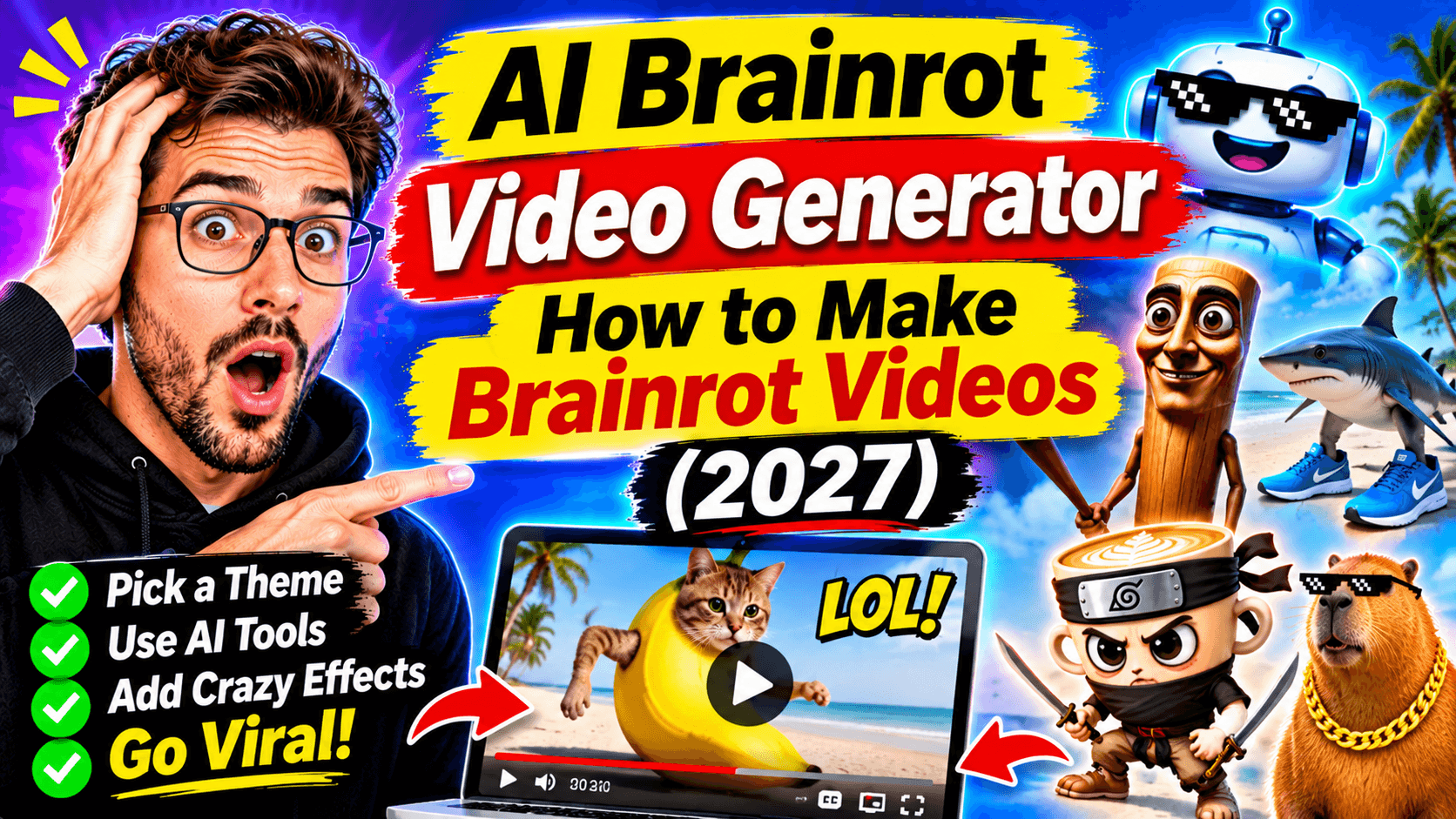
A brainrot video is a short, fast, deliberately overstimulating clip: a voiceover reads a story, fact or rant while gameplay footage runs in the background and big captions flash word by word on screen. The name is a joke about how addictive they are, and that's exactly why they work on TikTok, YouTube Shorts and Instagram Reels.
Making them by hand takes time: writing the script, recording or generating a voice, finding background footage, syncing captions and exporting in vertical format. An AI brainrot video generator does all of that from a topic or a block of text, in minutes.
This guide explains what makes a brainrot video work, how to make one with AI step by step, which formats get views, and what to look for in a generator.
What makes a brainrot video work
Every successful brainrot video combines the same four ingredients:
- A hook in the first second. A question, a shocking claim or the most dramatic line of the story, so viewers don't swipe away.
- A fast voiceover. Energetic AI or human narration with no pauses. Slightly faster than normal speech works best.
- Busy gameplay in the background. Parkour runs, racing or open-world driving keep the eyes moving while the story plays.
- Big, word-by-word captions. Many people watch with the sound off, and moving captions hold attention on their own.
The format is short: most brainrot videos run 30 to 60 seconds, vertical 9:16.
How to make a brainrot video with AI, step by step
- Pick a topic or paste your text. A story, a list of weird facts, a study topic or a Reddit-style confession. If you already have text, a text to brainrot tool can rewrite it in brainrot style first.
- Let the AI write the script. Ask for a strong hook in the first line and a twist or punchline at the end.
- Choose a voice. Pick a fast, expressive AI voice. Test two or three and keep the one that sounds most natural at speed.
- Choose a gameplay background. Parkour, racing or open-world driving styles work well. See the GTA-style video generator and Minecraft parkour video generator for examples.
- Turn on word-by-word captions in a large, bold font.
- Export in 9:16 and keep it between 30 and 60 seconds.
- Post on a schedule. Brainrot channels grow through volume, so one video a day is a common starting rhythm.
With AutoReels, steps 2 to 7 happen automatically: you set up a series once with your topic, voice and style, and it creates and posts a new video on your schedule.
Brainrot video ideas that get views
- Story time: a short dramatic or funny story with a twist at the end.
- Weird facts: "5 facts that sound fake but are true", one fact every few seconds.
- Study brainrot: turn class notes into a fast summary over gameplay. Students use these to revise.
- Would you rather / this or that: a question every few seconds keeps people watching and commenting.
- History in 60 seconds: one historical event told like a thriller.
- Language brainrot: the same format in another language. Your audience outside English is often less crowded.
Test two or three formats for a couple of weeks, then double down on the one with the best watch time.
What to look for in a brainrot video generator
- Gameplay-style backgrounds built in, so you don't have to source footage yourself.
- Word-by-word captions that are big and easy to read on a phone.
- Fast, natural AI voices, ideally in several languages.
- Vertical 9:16 export at 30 to 60 seconds.
- Auto-posting to TikTok, YouTube Shorts and Instagram Reels, so the channel keeps posting without you.
- A preview step, so you can fix a line before it goes live.
- Cost per video: divide the monthly price by the number of videos you get.
AutoReels covers all of these: gameplay-style backgrounds, subtitles, 13 AI voices in 32 languages, videos from 15 seconds to 2 minutes, and auto-posting to TikTok, YouTube, Instagram, Facebook and more. Plans start at $19 a month. See plans and prices.
FAQ
What is a brainrot video? A short, fast vertical video where a voiceover tells a story or facts over busy gameplay footage, with large captions on screen. The format is built to hold attention on TikTok, Shorts and Reels.
How do you make a brainrot video? Write or generate a script with a strong hook, add a fast voiceover, place it over gameplay footage, add word-by-word captions, and export in 9:16 at 30 to 60 seconds. An AI brainrot video generator does all of these steps for you.
Is there a free brainrot video generator? Some tools offer a few free videos or free trials, usually with a watermark or limits. If you plan to post every day, a paid plan with auto-posting saves more time than it costs.
Can I turn my notes or text into a brainrot video? Yes. Paste the text into a text to brainrot tool to rewrite it in brainrot style, then use it as the script for your video.
How long should a brainrot video be? Most run 30 to 60 seconds. Shorter versions work for single facts; story videos can go up to 90 seconds if the story holds.