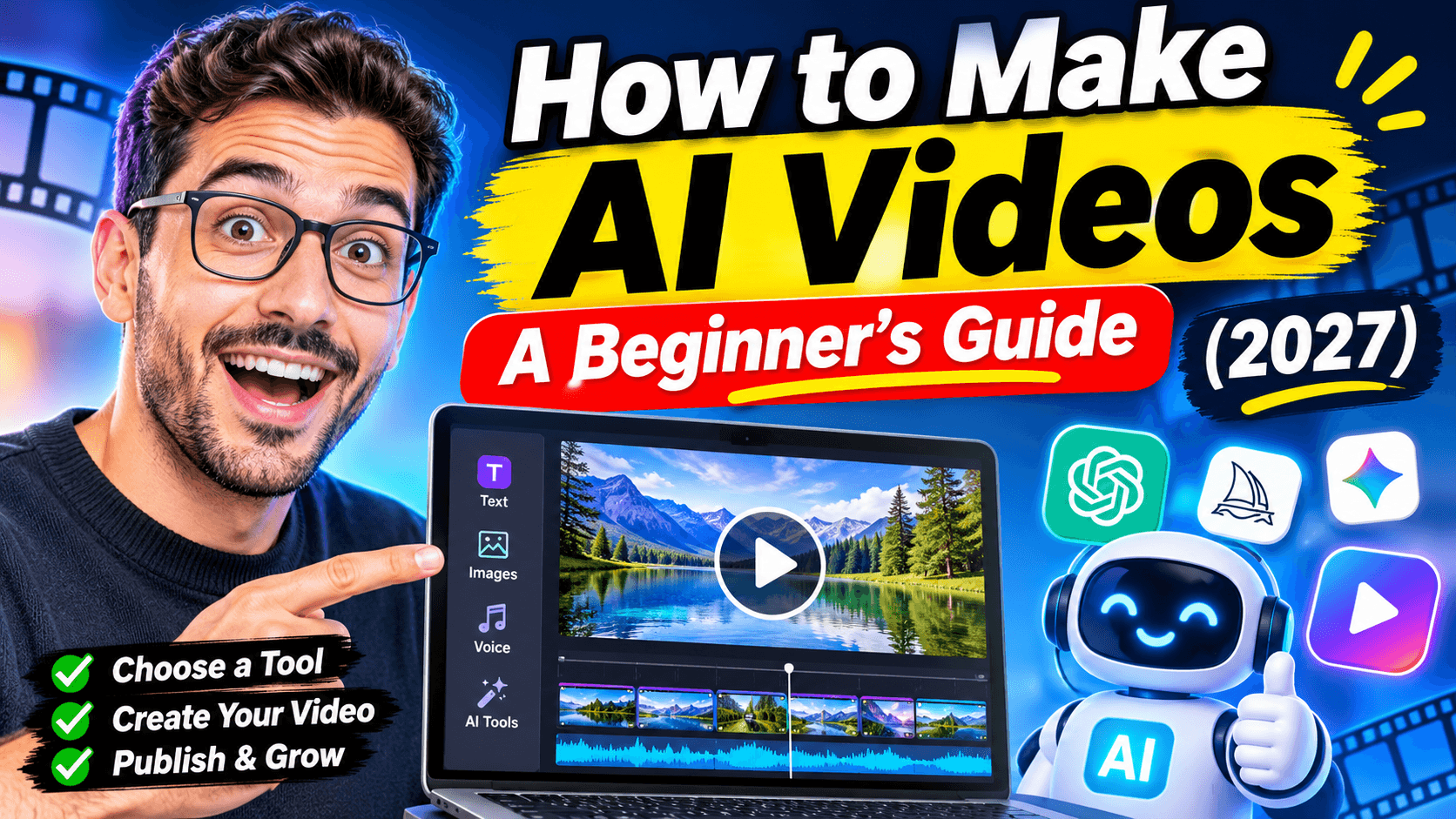
How to Make AI Videos: A Beginner's Guide (2027)
How to make AI videos: the short answer
To make an AI video, you describe what you want in text, and AI creates the visuals, voice and edit for you. What you get depends on the type of tool you use, and choosing the right one is the most important beginner decision.
There are three main ways to make AI videos in 2026:
Way | What you get | Best for | Effort |
|---|---|---|---|
1. AI clip generators (Veo, Kling, Runway, Pika…) | Short, cinematic clips of 5–15 seconds | Artistic shots, ads, music videos | High: you stitch clips, add voice and edit |
2. All-in-one faceless video makers (like AutoReels) | A finished, narrated video with captions, ready to post | TikTok, YouTube Shorts, Reels, story and fact channels | Low: type a topic, get a video |
3. AI avatar tools | A digital presenter talking to camera | Training, explainers, sales videos | Medium: write a script, pick an avatar |
Which should you choose?
- Want a single beautiful shot? Start with a clip generator.
- Want a finished video you can post today, and every day after? Use an all-in-one maker.
- Need a person on screen without filming? Use an avatar tool.
The rest of this guide walks you through the first two step by step, since they're what most beginners are looking for.
Way 1: How to make AI videos with a clip generator
Clip generators turn a text prompt or an image into a short video clip. They're impressive, but each clip is short.
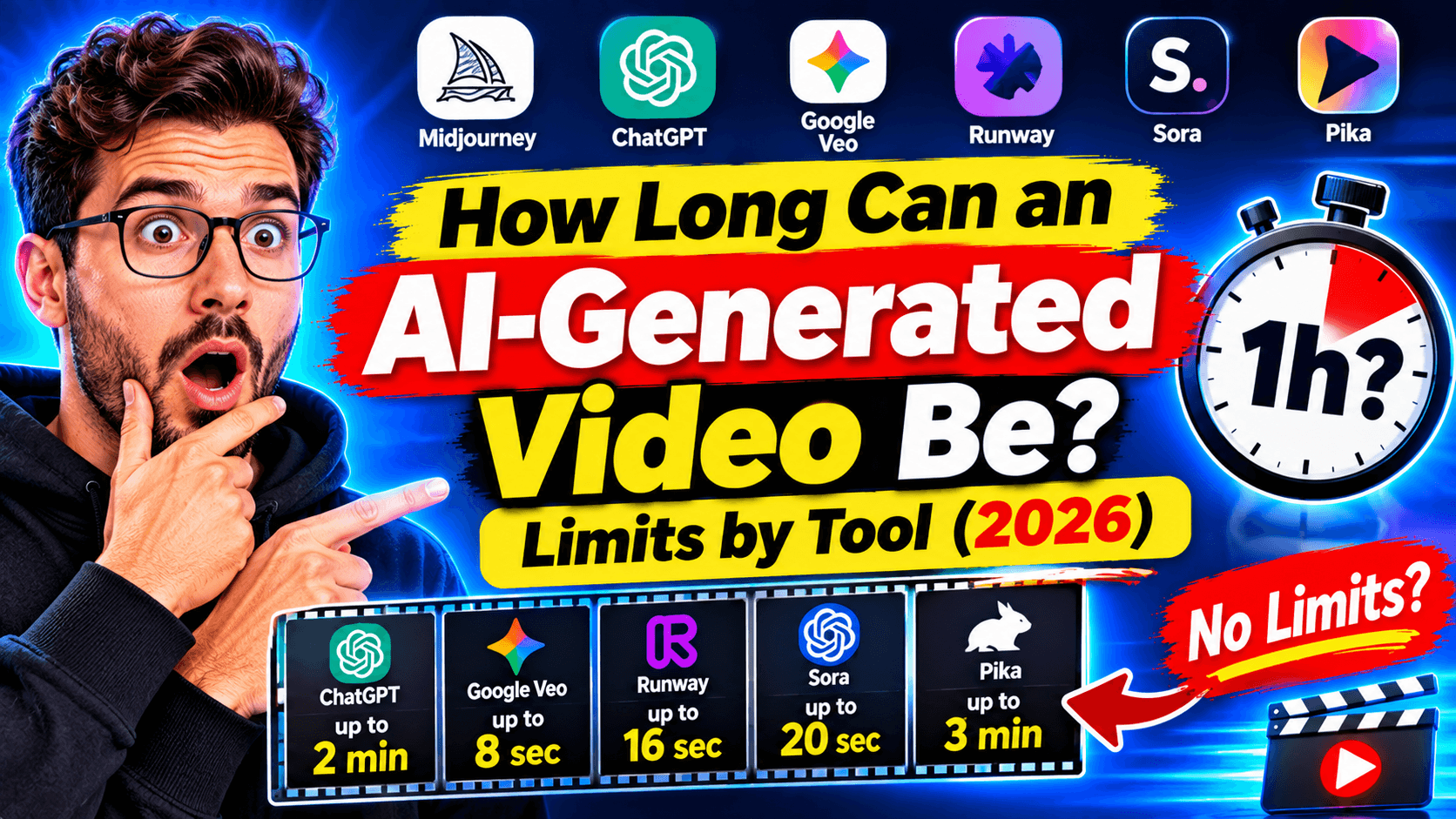
Model | Typical max clip length |
|---|---|
Google Veo 3.1 | About 8 seconds |
Kling (v3) | About 5–10 seconds, extendable to about 3 minutes |
Seedance 1.5 Pro | About 12 seconds |
Wan 2.6 | About 10 seconds |
Runway | About 5–10 seconds, with "Extend" |
Pika | About 5–10 seconds, chain to about 20–25 seconds |
Sources: AIMLAPI (Apr 2026), Mihata (Sept 2026). OpenAI shut down the Sora apps in April 2026. For more, see how long can an AI-generated video be.
Step by step:
- Write a script and split it into scenes of 5–10 seconds each.
- Write a prompt for each scene. Describe the subject, action, setting, camera and mood: "Slow push-in on an old lighthouse at night, waves crashing, cinematic lighting."
- Generate each clip. Expect to regenerate a few times to get one you like.
- Keep it consistent. Reuse the same character description, or start each clip from the same reference image, so faces and places don't change between shots.
- Add a voiceover and music with a text-to-speech tool.
- Edit it together in a video editor: line up clips, voice, captions and transitions.
- Export in 9:16 for Shorts and Reels, or 16:9 for YouTube.
Good to know: a 60-second video can need 8–12 clips, each generated several times. Clip generators give you the most creative control, but they're the slowest and often the most expensive way to make a full video.
Way 2: How to make AI videos with an all-in-one maker (the beginner-friendly way)
All-in-one makers handle every step for you: script, visuals, voice, captions, music and the final edit. You describe the topic; you get a finished video. Here's how it works with AutoReels:
- Pick a topic. For example "surprising history facts", "short horror stories" or "daily money tips".
- Choose an art style. Pick from 30+ AI styles, such as cinematic, anime or illustrated, so every video looks like part of one channel.
- Choose a voice. Select an AI narrator that suits the mood: calm, dramatic or energetic.
- Choose the format. 9:16 vertical for TikTok, Shorts and Reels, or 16:9 for regular YouTube.
- Generate. AutoReels writes an original script, creates every scene, adds the voiceover and animated captions, and assembles the video.
- Post it, or schedule a series. Connect TikTok, YouTube, Instagram and Facebook, and AutoReels can create and publish a new video 3 times a week, daily or twice a day.
Clip generator vs all-in-one maker:
Clip generator | All-in-one maker (AutoReels) | |
|---|---|---|
Output | Short clips you assemble | A finished, narrated video |
Script and voice | You do them | Included |
Editing | You do it | Automatic |
Posting | Manual | Auto-posts to 4 platforms |
Time per video | Hours | Minutes |
Best for | One-off cinematic shots | Posting consistently on social media |
Want to try a specific type first? Try the AI story video generator, the Reddit story video generator or the AI documentary generator.
How to make AI videos for TikTok
- Format: 9:16 vertical, 1080×1920.
- Length: 30–90 seconds works well. TikTok's Creator Rewards program only pays for videos over 1 minute, so mix in longer ones if you're aiming to monetize.
- Hook: say the most surprising thing in the first 2 seconds.
- Captions: large, word-by-word captions, since many people watch muted.
- Label: turn on TikTok's AI-generated label when AI realistically shows people or scenes.
- Rhythm: 1–2 posts a day beats occasional bursts.
More: how to create a faceless TikTok account.
How to make AI videos for YouTube
- Shorts: 9:16, up to 3 minutes, but 30–60 seconds is the sweet spot for most faceless content.
- Long videos: 16:9, 5–12 minutes for stories and explainers. Long videos build the watch hours YouTube counts toward monetization.
- Disclosure: use YouTube's "AI use" toggle when AI creates realistic-looking content.
- Originality: YouTube demonetizes repetitive, mass-produced uploads. Use original scripts and vary your topics.
More: how to start a faceless YouTube channel and our YouTube automation guide.
How to make AI videos for free
You can make AI videos for free, with limits:
- Free tiers of clip generators usually give a small number of credits per month, often with a watermark and lower resolution.
- Free text-to-speech and editors let you assemble videos yourself, at the cost of your time.
- Free tool pages let you try single steps, like our video hook generator or AI thumbnail generator.
The catch: free options are fine for testing, but making a polished video every day for free usually means hours of manual work. If consistency matters, a low-cost plan saves more time than it costs. AutoReels starts at $144 a year for 3 videos a week, about $0.92 a video.
7 beginner mistakes to avoid
- Vague prompts. "A cool video about space" gives random results. Say the subject, action, setting and mood.
- No story. Pretty visuals without a hook and a payoff lose viewers in seconds. Start with the script.
- Changing styles every video. A consistent look makes your channel recognizable.
- Copying other people's content. Re-reading someone's Reddit post or reusing their clips risks copyright claims and demonetization.
- Skipping AI labels. TikTok and YouTube both ask you to disclose realistic AI-generated content.
- Posting once and giving up. Most channels need weeks of consistent posting before one video takes off.
- Editing everything by hand. If you plan to post daily, automate the repetitive steps so you can focus on ideas.
FAQ
How do I make AI videos as a beginner?
Start with an all-in-one maker: type a topic, pick a style and voice, and get a finished video. Move to clip generators later if you want more cinematic control.
How long does it take to make an AI video?
With an all-in-one tool, a few minutes. With clip generators and manual editing, a 60-second video can take a few hours.
Can I make AI videos for free?
Yes, with free tiers, usually limited in credits, length or quality, and often watermarked. They're good for testing; daily posting is easier on a paid plan.
How do I make AI videos longer than 10 seconds?
Combine several clips into one video, use a model's extend feature, or use a tool that builds full-length videos from a script, like AutoReels.
Can you make money with AI videos?
Yes. Faceless AI channels can earn through YouTube and TikTok creator programs once they meet the requirements, plus sponsorships and affiliate links. Original content and consistency matter most.
Do I need to show my face?
No. Faceless AI videos use narration, AI visuals and captions instead of a presenter.
Make your first AI video today
The easiest way to learn how to make AI videos is to make one. Pick a topic you'd happily post about every day, and let AI handle the script, visuals, voice and editing. Once your first video is out, the next one gets easier, and with a schedule, it happens without you.
AutoReels turns a topic into finished faceless videos and posts them to TikTok, YouTube, Instagram and Facebook automatically.