Best Video Size for TikTok: Dimensions, Aspect Ratio & Free Resizers
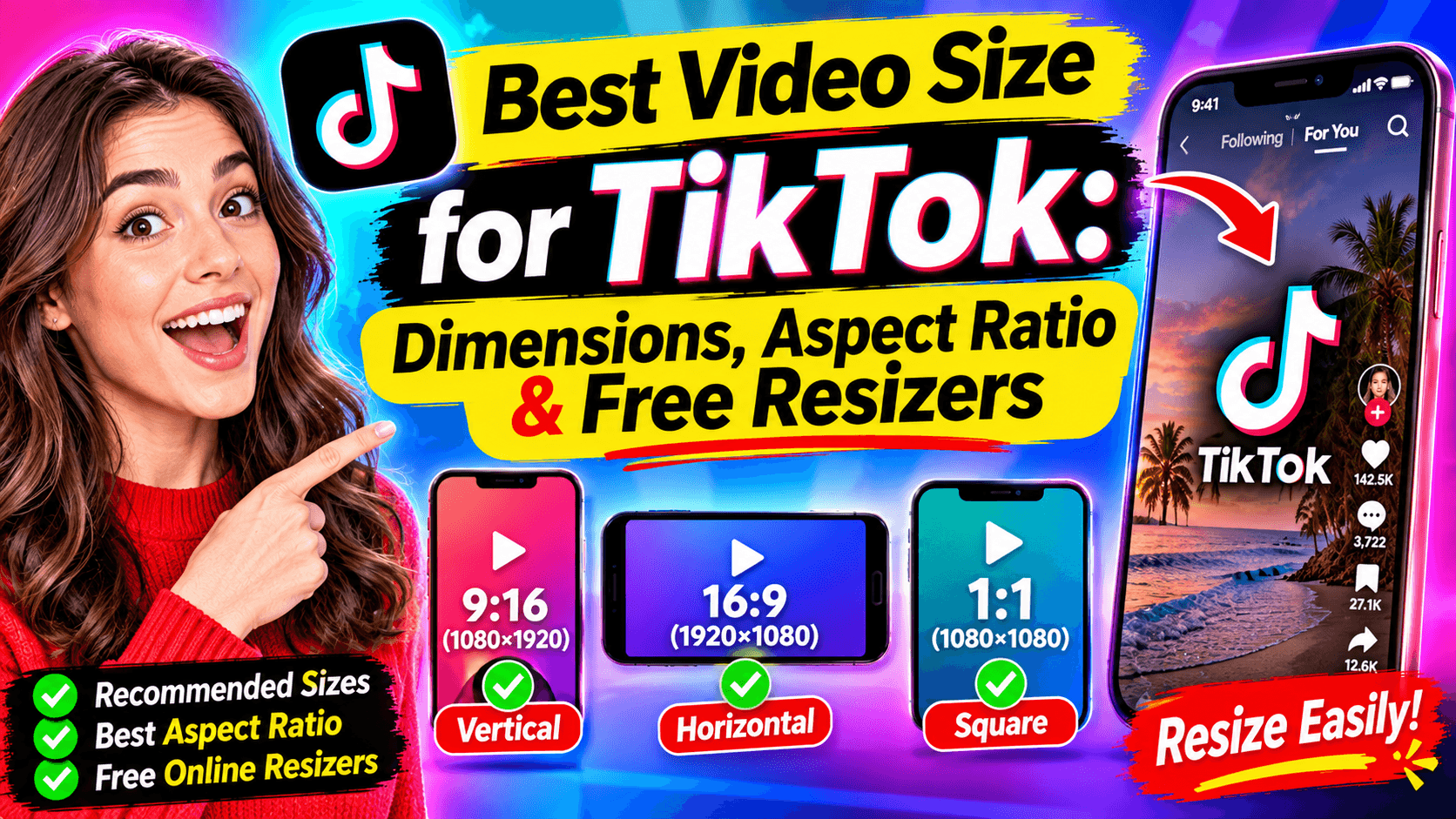
The best TikTok video size is 1080 x 1920 pixels in a 9:16 vertical format. That fills the whole phone screen with no black bars, and it is the size TikTok's own ad specs recommend first. If you only remember one number, remember that one.
The rest of this guide covers the details that trip creators up: which other ratios TikTok accepts, how long a video can be, how big the file can be, and where to keep captions so TikTok's buttons don't cover them.
TikTok video size: the quick answer
Setting | Best choice | Notes |
|---|---|---|
Dimensions | 1080 x 1920 px | Minimum for ads: 540 x 960 px |
Aspect ratio | 9:16 (vertical) | 1:1 and 16:9 upload, but show with black bars |
Length | Up to 10 min recorded in-app | Up to 60 min when uploaded; ads up to 10 min |
File type | MP4 or MOV | Ads also accept MPEG, 3GP and AVI |
File size | Under 500 MB is safe everywhere | The desktop upload limit is far higher |
Bitrate | 516 kbps or higher | TikTok's minimum for ads; higher looks sharper |
TikTok dimensions and aspect ratios
TikTok is built for vertical video. A 9:16 clip fills the screen; anything else gets bars or gets cropped.
Aspect ratio | Recommended size | Minimum size (TikTok ads) | How it looks in the feed |
|---|---|---|---|
9:16 vertical | 1080 x 1920 px | 540 x 960 px | Full screen. Use this. |
1:1 square | 1080 x 1080 px | 640 x 640 px | Black bars above and below |
16:9 horizontal | 1920 x 1080 px | 960 x 540 px | Small strip in the middle of the screen |
For organic posts, 720 x 1280 px is usually cited as the lowest size that still looks sharp. Below that, text and faces start to blur on modern phones.
Tip: export at 1080 x 1920 even if you recorded in 4K. TikTok compresses uploads anyway, and a 1080p file is smaller, so it uploads faster.
TikTok video length, file size and format limits
Limit | Value | Source |
|---|---|---|
Recorded in the TikTok app | Up to 10 minutes | Sociality, citing TikTok Help Center |
Uploaded video | Up to 60 minutes | Sociality, Hopper HQ |
Video ads (non-Spark) | Up to 10 minutes | TikTok Ads Help Center |
File size, desktop (TikTok Studio) | Up to about 10 GB | Hopper HQ |
File size, iPhone / iPad | About 287 MB | Hopper HQ |
File size, Android | About 72 MB | Hopper HQ |
File size, video ads | 500 MB or less | TikTok Ads Help Center |
Formats | MP4, MOV (ads also accept MPEG, 3GP, AVI) | TikTok Ads Help Center |
TikTok changes these limits from time to time and sometimes rolls them out to some accounts first. If an upload fails, check the in-app message: it names the limit you hit.
Mobile file limits are the ones that bite. A 3-minute 1080p clip can pass 72 MB easily. If you edit on a computer, upload from TikTok Studio in a desktop browser, where the limit is far higher.
TikTok safe zones: where to put captions and text
TikTok draws its own interface on top of your video: the caption and username at the bottom, and the like, comment and share buttons down the right side. Anything you place there gets covered.
On a 1080 x 1920 canvas, keep text and faces out of these approximate margins:
Edge | Keep clear | What covers it |
|---|---|---|
Top | about 150 px | Following / For You tabs |
Bottom | about 400 px | Caption, username, sound name |
Right | about 140 px | Like, comment, share, profile buttons |
Left | about 60 px | Edge cropping on some phones |
These numbers shift a little between devices. For ads, TikTok publishes downloadable safe-zone overlays in its Ads Help Center; drop one on top of your edit before exporting.
For faceless videos this matters most. Burned-in subtitles carry the whole story, so place them slightly above the middle of the screen, not at the bottom. If you write captions with the TikTok caption generator, keep each line short enough to stay inside the safe area.
TikTok ad and photo post sizes
Video ads (non-Spark), from TikTok's Ads Help Center:
- Vertical 9:16: 540 x 960 px or larger (recommended)
- Square 1:1: 640 x 640 px or larger
- Horizontal 16:9: 960 x 540 px or larger
- File: MP4, MOV, MPEG, 3GP or AVI, 500 MB or less, bitrate 516 kbps or higher
- Length: up to 10 minutes
- Ad profile photo: 98 x 98 px, under 50 KB, key element inside the center 66 x 66 px
Spark Ads boost an existing organic post, so they use the original video as it is. TikTok sets no length limit for them.
Photo posts and carousels: 1080 x 1920 px (9:16), the same canvas as video.
Profile photo: at least 200 x 200 px. It displays as a circle, so keep your logo in the center.
How to resize a video for TikTok
There are two ways to turn a horizontal or square clip into 9:16. Pick based on what's in the frame.
Method | What it does | Best for | Watch out for |
|---|---|---|---|
Crop (fill) | Zooms in until the frame is 1080 x 1920 | One subject in the center: a talking head, a product | Loses the sides of the shot |
Pad (fit) | Keeps the whole frame and adds bars or a blurred background | Wide shots, screen recordings, gameplay | The video itself looks smaller |
Free ways to do it:
- In the TikTok editor: upload the clip, then pinch to zoom until it fills the screen. Quick, but you can't fine-tune the crop.
- In a browser: use the AutoReels video resizer or vertical video maker to convert the clip to 9:16 for TikTok. [VERIFY: describe the tool's actual options before publishing.]
- In any desktop editor: set the project canvas to 1080 x 1920 before you start editing, so titles and captions are placed for vertical from the beginning.
Skip resizing entirely. If you make faceless videos, you can generate them vertical from the start. AutoReels creates automatic reels in 9:16 (or 16:9 and 1:1 if you need them), with subtitles placed for the vertical frame, and posts them to TikTok for you.
One size for TikTok, Reels and Shorts
The good news for anyone posting everywhere: the same 1080 x 1920, 9:16 file works on all three short-video platforms.
Platform | Canvas | Length for the short-video feed |
|---|---|---|
TikTok | 1080 x 1920 (9:16) | Up to 10 min in-app, up to 60 min uploaded |
YouTube Shorts | 1080 x 1920 (9:16) | Up to 3 minutes (since October 2024) |
Instagram Reels | 1080 x 1920 (9:16) | Up to 3 minutes (since January 2025) |
Facebook Reels | 1080 x 1920 (9:16) | See our Facebook Reel size guide |
So if you want one video to post everywhere, keep it under 3 minutes and inside the TikTok safe zones above. Those safe zones are the strictest of the three, so a video that fits TikTok will fit the others.
Posting the same video to four apps by hand gets old fast. Our guide to the TikTok auto post bot explains how to schedule it safely, or let AutoReels post to TikTok, YouTube, Instagram and Facebook for you.
FAQ
What is the best video size for TikTok? 1080 x 1920 pixels, in a 9:16 vertical aspect ratio. It fills the full screen with no black bars.
What aspect ratio does TikTok use? 9:16 vertical. TikTok also accepts 1:1 square and 16:9 horizontal, but those show with black bars in the feed.
What is the minimum resolution for TikTok? TikTok's ad specs require at least 540 x 960 px for vertical video. For organic posts, 720 x 1280 px is the commonly cited minimum for a sharp result.
How long can a TikTok video be? Up to 10 minutes when recorded in the app and up to 60 minutes when uploaded. Video ads can run up to 10 minutes.
What is the maximum file size for TikTok? It depends on where you upload: about 72 MB on Android, about 287 MB on iPhone, and up to about 10 GB in TikTok Studio on desktop. Video ads must be 500 MB or less.
Can I post a horizontal video on TikTok? Yes, but it plays as a small strip in the middle of the screen. Crop or pad it to 9:16 first for a full-screen result.
Is the TikTok video size the same as Instagram Reels and YouTube Shorts? Yes. All three use 1080 x 1920 at 9:16, so one file works everywhere if it's under 3 minutes.